
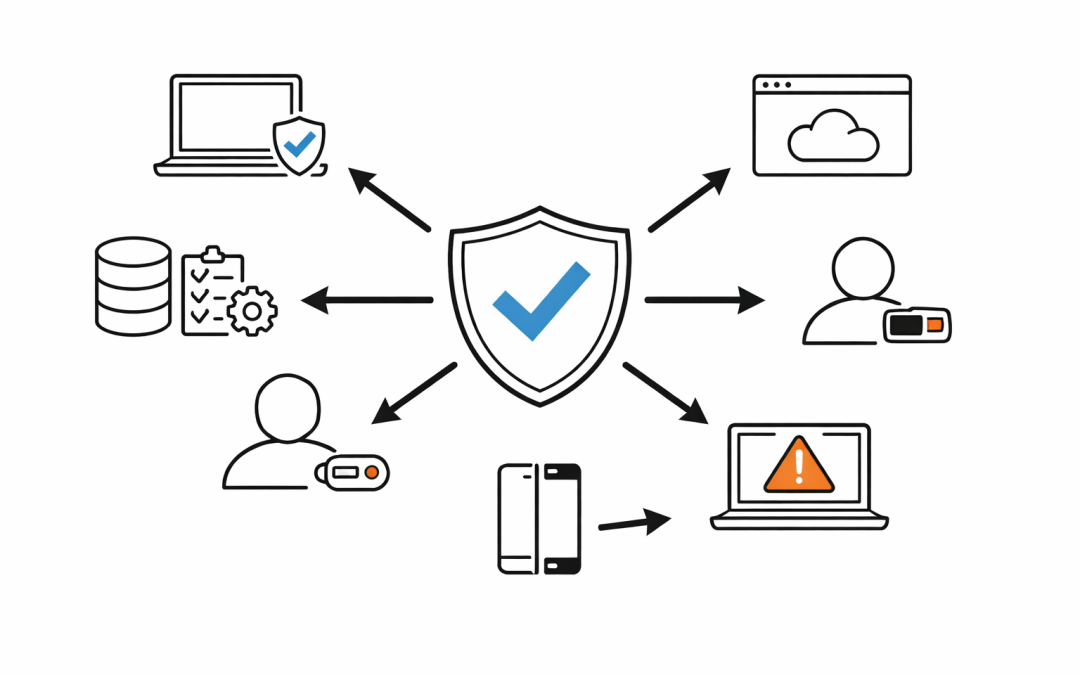
Too many Microsoft 365 security projects stall at the same point. Multi-factor authentication is on, devices are enrolled, and policies exist in a few different admin portals, but leadership still cannot answer a simple question: can an unmanaged or unhealthy device reach company data?
That gap is where Conditional Access and Intune need to work as one control plane, not two separate projects. On their own, each product improves security. Together, they give organisations a practical way to reduce identity risk, enforce device standards, and protect access without relying on trust alone.
Why One Control Without the Other Falls Short
Conditional Access is Microsoft Entra’s policy engine for access decisions. It takes signals such as user identity, device state, location, application, and risk, then decides whether access should be allowed, blocked, or challenged.
Intune handles the device side of the equation. It sets the standards a device must meet, such as encryption, minimum operating system version, password requirements, and security posture, then reports whether that device is compliant.
If a business only deploys Conditional Access, it can require MFA or block certain sign-ins, but it may still lack a reliable way to prove the device itself is trustworthy. If a business only deploys Intune, it can manage devices, but it is missing the access policy layer that turns compliance status into a real-time control.
The value comes from joining the two. Intune assesses the device. Microsoft Entra Conditional Access uses that result to decide whether the user should get access to Microsoft 365, SaaS apps, and other connected services.
What Actually Happens When They Work Together
When a device is enrolled into Intune, it is registered with Microsoft Entra ID. Intune then evaluates that device against compliance policies and sends the compliance result back to Entra.
Conditional Access can use that result in a grant control such as Require device to be marked as compliant. If the device is compliant, the user can continue to the requested app. If it is not compliant, access is blocked or interrupted until the issue is fixed.
That matters because it changes the security conversation from user identity alone to user identity plus device trust. A stolen password or an approved MFA prompt should not be enough if the device is unencrypted, out of date, jailbroken, unmanaged, or flagged as risky.
For many organisations, this is the missing link between endpoint management and Zero Trust.
The Business Problems This Combination Solves
The first problem is unmanaged access. Staff increasingly work across personal laptops, mobile devices, home networks, and contractor endpoints. Without a device-aware access decision, company data can end up being accessed from devices the business does not control.
The second problem is inconsistent policy enforcement. One team may set baseline controls in Intune, while another team assumes Conditional Access is already protecting the same scenarios. In practice, gaps appear when those controls are not connected.
The third problem is audit pressure. Australian organisations are being asked to show clearer evidence around identity security, endpoint hygiene, and access governance. Whether the discussion is driven by Essential Eight, cyber insurance, client due diligence, or internal risk committees, organisations need to show more than policy documents. They need enforceable controls.
Conditional Access and Intune together help close all three gaps. They let organisations define what a trusted device looks like and enforce that definition at the point of access.
Four Common Ways Organisations Use Conditional Access and Intune
1. Only allow compliant devices into Microsoft 365
This is the most common design. Intune defines device compliance rules. Conditional Access then requires the device to be marked as compliant before it can reach Exchange Online, SharePoint, Teams, or other Microsoft 365 services.
For a mid-market business, that means a device that is missing encryption, running an unsupported operating system, or failing a health check can be blocked before sensitive data is exposed.
2. Protect Windows devices differently from BYOD devices
Not every device should be treated the same way. Corporate-owned Windows endpoints can often be required to be Entra joined, enrolled in Intune, and fully compliant.
Bring-your-own devices usually need a different model. In those cases, businesses often combine app protection, limited access rules, and device enrollment requirements to avoid giving unmanaged personal devices the same level of access as a company-managed laptop.
3. Use device risk as part of the access decision
Intune can integrate with mobile threat defence solutions so device risk becomes part of the compliance picture. That gives Conditional Access another signal to work with when deciding whether access should continue.
This is useful when an organisation wants stronger controls for executives, finance teams, or staff handling sensitive data. It moves policy beyond a simple pass or fail checklist and closer to the real security state of the device.
4. Secure the enrollment and administration path
Microsoft also exposes separate Conditional Access targets for the Intune admin center and Intune enrollment workflows. That matters because the path into management is itself a security boundary.
Businesses can require stronger authentication for admins accessing Intune and enforce controls around device enrollment so the front door into management is not left exposed.
The Configuration Detail Many Teams Miss
One of the most important Intune settings is also one of the easiest to overlook: how the tenant treats devices with no compliance policy assigned.
If that setting stays too permissive, a device with no explicit compliance policy can still be treated as compliant. Microsoft’s guidance is clear that if compliance is being used with Conditional Access, organisations should review that setting carefully and, in many cases, set devices with no compliance policy assigned to Not compliant.
That single configuration choice can make the difference between a strong design and a false sense of security.
Another issue is timing. Compliance is not just about the policy definition. It also depends on the device checking in and reporting back to Intune. If a device stops reporting, the organisation needs a clear stance on how long it remains trusted.
Where This Fits in an Australian Security Strategy
For Australian organisations, Conditional Access and Intune are not just technical tools. They support a broader operating model built around least privilege, verified access, and better control over corporate data.
They also map well to the kind of questions leadership is already asking:
- Can staff access Microsoft 365 from unmanaged personal devices?
- Can a non-compliant device still reach email or SharePoint?
- Can we treat executives, admins, and frontline workers differently?
- Can we show that endpoint policy and access policy are connected?
Those are practical governance questions, not just platform questions. They are also the sort of controls that support a more credible Essential Eight and Zero Trust posture, especially for businesses that have grown quickly or inherited a mix of legacy and cloud-first device management.
A Better Starting Point for Mid-Market Businesses
Most businesses do not need a massive redesign to get value from conditional access and Intune. They need a clean baseline.
That usually means starting with a small number of high-impact controls: require MFA, block legacy authentication, require compliant devices for core Microsoft 365 workloads, and create separate policies for administrators, standard users, and bring-your-own-device scenarios. From there, policies can be tested in report-only mode, tightened gradually, and aligned with the organisation’s risk appetite.
The goal is not to create dozens of complex rules. The goal is to make sure access decisions reflect the real trust level of the user, the device, and the session.
Conditional Access and Intune are strongest when they are designed together from the start. If your team wants to compare its current setup against that baseline, CPI Consulting can help assess where the policy gaps are and what to fix first.
Discover more from CPI Consulting
Subscribe to get the latest posts sent to your email.