
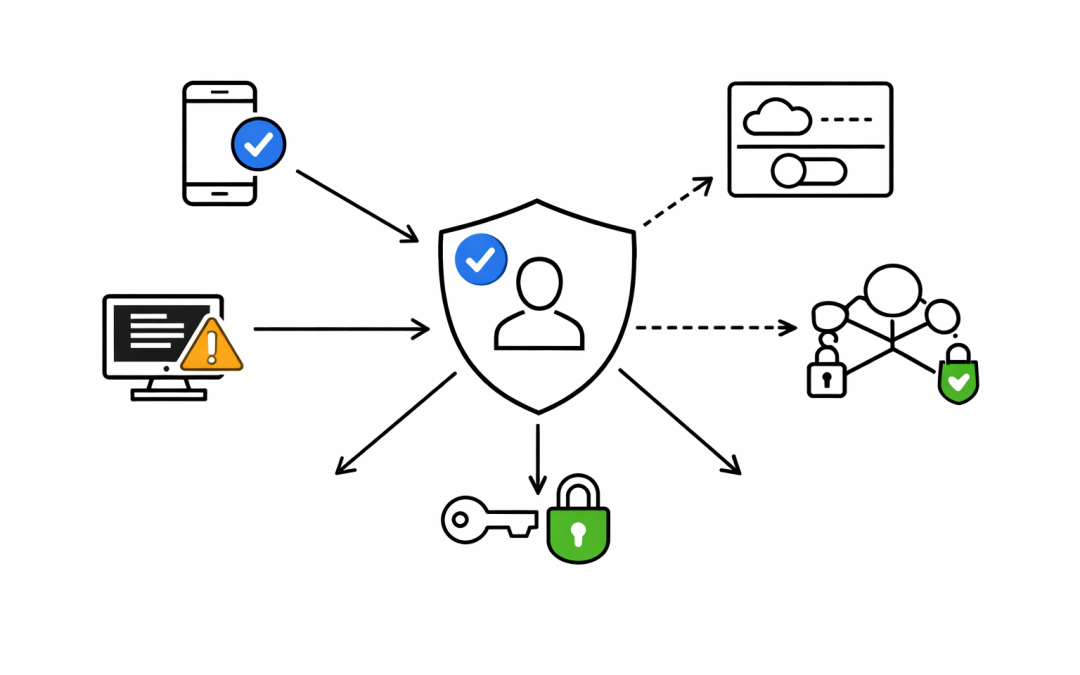
Every Microsoft 365 tenant tells a story. Emails flowing, Teams meetings running, SharePoint humming along. From the outside, everything looks operational. But operational is not the same as secure — and the gap between those two things is where breaches happen.


When our team conducts a Microsoft 365 security assessment, one of the first things we check is the identity baseline. Not the flashy stuff — the fundamentals. And one of the most common findings we encounter is a tenant where security defaults have been silently disabled, leaving the environment wide open to credential-based attacks.
What Are Security Defaults?
Security defaults are Microsoft’s baseline security configurations for Microsoft Entra ID (formerly Azure Active Directory). They enforce MFA registration for all users, require MFA for administrators on every sign-in, block legacy authentication protocols, and protect privileged access to the Azure portal.
These controls are enabled by default on all new tenants created after October 2019. Microsoft reports they stop more than 99.9% of common identity-based attacks.
So why do we keep finding them turned off?
The Most Common Reason: Someone Had a Problem
In most cases, security defaults were not disabled maliciously. A multi-function printer couldn’t send email. An old application broke when MFA kicked in. A migration consultant turned them off to “get things working” and never turned them back on.
The business moved on. The risk stayed behind.
We have seen tenants operating without security defaults for months — sometimes years — with no Conditional Access policies in place to replace them. The entire identity layer is effectively unprotected. Administrators signing in without MFA. Legacy authentication wide open. No enforcement, no alerting, no visibility.
What Security Defaults Actually Protect You From
Legacy authentication protocols — Basic Auth, IMAP, SMTP, POP3 — do not support MFA. Full stop. If they are allowed in your tenant, an attacker who obtains a username and password can authenticate silently, bypassing every MFA prompt you think is protecting your users.
Password spray attacks rely on this gap. An attacker takes a list of common passwords and tries them across thousands of accounts using legacy protocols. No MFA challenge. No account lockout in some configurations. Just access.
Beyond legacy auth, security defaults enforce MFA for the roles with the most access in your organisation — Global Administrators, Security Administrators, Exchange Administrators, and more. Without this, a compromised admin account is a full tenant compromise.
The Conditional Access Gap
There is a common misconception we encounter during assessments. A client has Microsoft Entra ID P1 or P2 licensing, they have some Conditional Access policies in place, and they assume they are covered.
The issue is partial coverage. A Conditional Access policy for one application, or for a subset of users, does not protect the rest. And if security defaults were disabled to make room for Conditional Access — which is the correct approach — but the Conditional Access policies were never completed, the tenant now has neither baseline enforced.
This is the gap that attackers find and exploit.
What a Proper Identity Baseline Looks Like
When our team conducts an assessment and finds security defaults disabled, we work with clients to either re-enable them or implement a complete Conditional Access policy set that provides equivalent or stronger coverage. That means:
- MFA enforced for all users — not just admins, not just some applications
- Legacy authentication fully blocked — across all connectors and protocols
- Privileged access protected — with dedicated admin accounts, not shared credentials
- Sign-in risk policies — if Entra ID P2 is licensed, risk-based Conditional Access should be active
- Break-glass accounts — two cloud-only Global Administrator accounts with no MFA requirement, used only in emergencies, with access monitored
The goal is not to make life harder for users. Modern authentication with the Microsoft Authenticator app is fast, reliable, and non-disruptive. The friction of MFA is minor compared to the cost of a breach.
A Note on Licensing
Security defaults are free. They require no Entra ID premium licensing and no additional configuration beyond enabling the toggle. For organisations on Microsoft 365 Business Basic or Business Standard, security defaults are the correct starting point.
For organisations with Entra ID P1 or P2 licensing, the path forward is Conditional Access — but only when implemented completely. Half a Conditional Access deployment is not a security posture. It is a false sense of security.
What Australian Organisations Should Do Now
The Australian Cyber Security Centre’s Essential 8 framework includes multi-factor authentication as a core mitigation strategy. It is not a recommendation — it is a requirement for organisations seeking to demonstrate cyber maturity and protect against the threats the ACSC considers highest priority.
Checking your tenant’s security defaults takes minutes. Go to the Microsoft Entra admin center, navigate to Entra ID > Overview > Properties, and select Manage Security Defaults. If it is disabled and you do not have a complete Conditional Access policy set in place, that is a finding that needs to be remediated today.
Our team has helped organisations across Australia assess and remediate their Microsoft 365 identity posture. If your tenant looks fine from the outside and you want to know what it looks like from the inside, that conversation is worth having.
Discover more from CPI Consulting
Subscribe to get the latest posts sent to your email.