
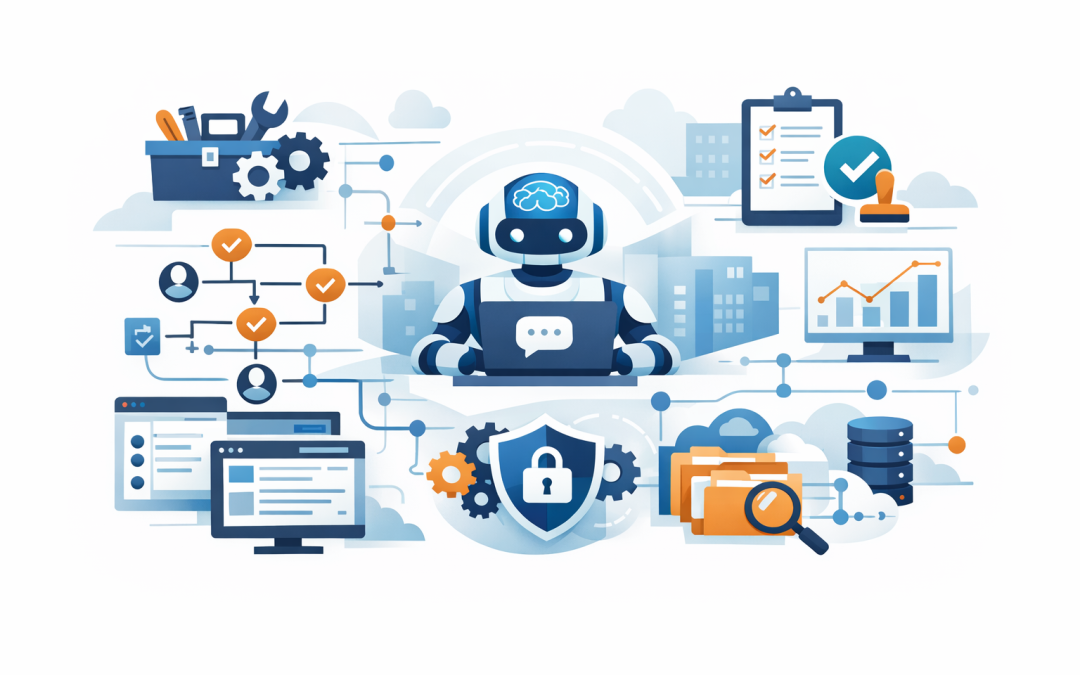
In this blog post What Microsoft Agent Framework Means for Real-World AI Delivery we will look at why so many AI projects impress in a workshop but stall the moment they need to connect to real systems, follow approval rules, and deliver measurable business value. If your team has seen a clever AI demo and then wondered how on earth it becomes something safe, useful, and supportable, this is the gap Microsoft is trying to close.
At a high level, Microsoft Agent Framework is Microsoft’s newer open-source framework for building AI agents and agent workflows. In plain English, that means it gives developers a structured way to turn a language model into something that can not only answer questions, but also use tools, remember context, follow a process, and work alongside other agents or business systems. As of March 2026, Microsoft has the framework at Release Candidate stage for both .NET and Python, and positions it as the successor to Semantic Kernel and AutoGen.
That matters because real-world AI delivery is rarely about the model alone. The hard part is everything around it: who can use it, what data it can access, what actions it is allowed to take, when a human should approve something, and how your team supports it once it is live. Microsoft Agent Framework is designed around those practical delivery problems, not just the demo.
The short version
An AI agent is a piece of software built on a large language model, which is the kind of AI that understands and writes natural language, plus a set of rules and connections that let it take actions. Microsoft Agent Framework gives teams a common structure for that work: an agent layer, workflow orchestration, session state so conversations can continue, memory or context providers so the agent can use trusted business information, middleware for checks and controls, and connectors to external tools through standards such as MCP, short for Model Context Protocol.
If you are a CIO, CTO, or business owner, the business meaning is simple. It improves your odds of moving from “interesting AI experiment” to “something staff can actually use without creating risk, confusion, or support headaches.”
What Microsoft Agent Framework actually changes
1. It turns one-off prompts into repeatable business processes
Most AI pilots start with a chat box. Someone asks a question, gets a decent answer, and everyone is impressed for a week.
Then reality arrives. The business does not just want answers. It wants the AI to follow a process: check a policy, pull the right record, ask for approval, create a ticket, notify the right person, and log what happened. Agent Framework supports that shift by combining agents with graph-based workflows for defined multi-step work, including sequential, parallel, handoff, and group patterns.
Business outcome: less money wasted on pilots that cannot be operationalised, and faster progress toward real productivity gains.
2. It gives you more control over risk
This is where many leaders get nervous, rightly. A smart assistant that can read information is one thing. A smart assistant that can send messages, update records, or trigger actions is another.
Microsoft Agent Framework includes middleware, which is a control layer where teams can inspect, validate, modify, or even stop agent actions before or after they happen. It also supports human-in-the-loop patterns, which simply means a person can be required to review or approve a sensitive step before the AI continues.
For Australian organisations, that matters. If you are working toward stronger cyber hygiene through Essential 8, the Australian Government’s baseline set of security controls, or managing personal information under the Privacy Act, your AI rollout needs guardrails, not just enthusiasm.
Business outcome: lower security and compliance risk, with clearer approval paths and auditability.
3. It helps AI connect to business systems without becoming a mess
The value of AI usually appears when it can do something useful inside the systems your staff already use. That might be Microsoft 365 for documents and email, your CRM for customer records, your service desk for tickets, or Azure-hosted applications that run key business processes.
In Agent Framework, those capabilities are exposed as tools. A tool is simply a controlled action the AI is allowed to call, like searching a policy library, creating a job, or checking a status. Microsoft also supports MCP, a common way for AI systems to connect to external tools and context in a more standard, reusable manner.
Business outcome: better staff productivity because the AI can help finish work, not just talk about it.
4. It reduces lock-in and gives you model choice
One of the smartest things Microsoft has done here is avoid forcing every customer into a single model path. The framework supports multiple providers, including Azure OpenAI, OpenAI, Anthropic, and others, and Microsoft has also published an integration for the Claude Agent SDK.
That matters commercially. It means you can choose the model that best fits the job, the cost profile, or the data handling requirements, instead of redesigning your whole application every time the market moves.
Business outcome: more flexibility, better cost control, and less strategic dependence on a single AI vendor.
5. It is built with production delivery in mind
A demo does not need much support. A live service used by 200 employees does.
Agent Framework includes session management so conversations can persist properly, hosting options for exposing agents through web applications and APIs, and observability support through OpenTelemetry so teams can monitor behaviour, performance, and failures more effectively. In plain English, that means your IT team has a better chance of knowing what the AI is doing, why it failed, and how to improve it.
Business outcome: fewer support surprises and a more supportable path to production.
One important reality check
Not every task needs an agent. Microsoft’s own guidance is sensible here: if the job can be handled by a normal function or a simple workflow, do that first. Agents are most useful when the work is open-ended, language-heavy, or needs some judgement across multiple tools or steps.
That is good news for decision-makers. It means a mature AI strategy is not about putting an “agent” label on everything. It is about using the right level of intelligence for the right job.
A real-world scenario
Imagine a 200-person professional services firm in Melbourne. Staff keep asking the same questions about policies, leave, laptops, project templates, and security procedures. Leadership wants faster answers, fewer internal emails, and less time wasted hunting through SharePoint and Teams.
A basic chatbot can answer some of those questions. But a real delivery approach might go further: one agent searches approved internal content, another checks device or account status, a workflow sends high-risk actions to a human for approval, and every step is logged. If the business later wants to add a new model, a new tool, or a new approval rule, it is changing part of a framework rather than rebuilding the whole solution from scratch. That is the practical promise here.
Business outcome: less staff friction, lower service desk volume, and more confidence that AI is helping rather than freelancing.
What the technology looks like under the hood
You do not need to read code to understand the structure. The simplest way to think about it is this:
- Model: the brain that understands language and generates responses.
- Agent: the wrapper around that model with instructions, tools, and behaviour.
- Session: the conversation memory for a user or task.
- Tools: safe, defined actions the agent can call.
- Workflow: the map that decides what happens next, in what order, and with what approvals.
- Middleware: the control point for logging, security checks, and policy enforcement.
Here is a very simplified example of what that looks like in practice:
// Simplified example
var agent = CreateAgent(
 model: "Azure OpenAI",
 instructions: "Help staff with IT and HR questions",
 tools: [SearchPolicies, CreateServiceDeskTicket]
);

var result = await agent.RunAsync(
 "Summarise our laptop replacement policy and raise a ticket for me."
);
The important point is not the syntax. It is the architecture. The AI reads the request, decides whether it should call a trusted tool, follows the rules around that tool, and returns a result that can be monitored and governed. That is very different from a standalone chatbot with no real process around it.
Where this fits with Microsoft Foundry
Another useful distinction for leaders is this. Microsoft Agent Framework is the code framework. Microsoft Foundry Agent Service is the managed platform for building, deploying, and scaling agents. You can use the framework on its own for maximum control, or pair it with Foundry when you want more managed infrastructure around the solution.
In simple terms, the framework helps you build the car. Foundry helps you run the fleet.
What decision-makers should do now
If Microsoft Agent Framework is on your radar, the right next step is not “build ten agents.” It is to choose one workflow where the business case is obvious and the risk can be controlled.
- Pick a use case with clear volume, like internal support, knowledge search, or customer follow-up.
- Define what the AI is allowed to read, what it is allowed to do, and what still needs a human sign-off.
- Measure a business result, such as time saved, tickets avoided, faster response times, or reduced risk.
- Design for support from day one, including logging, access control, and ownership.
That is usually where experienced, hands-on guidance matters most. CloudPro Inc is a Melbourne-based Microsoft Partner and Wiz Security Integrator with 20+ years of enterprise IT experience across Azure, Microsoft 365, Intune, Windows 365, OpenAI, Claude, Defender, and Wiz. We tend to find that the winning AI projects are not the flashiest ones. They are the ones built with the right controls, the right integrations, and a clear business outcome in mind.
If you are not sure whether Microsoft Agent Framework is the right path for your business, or whether your current AI plans are still too close to the demo stage, we are happy to take a look and give you a straight answer with no strings attached.
Discover more from CPI Consulting
Subscribe to get the latest posts sent to your email.