
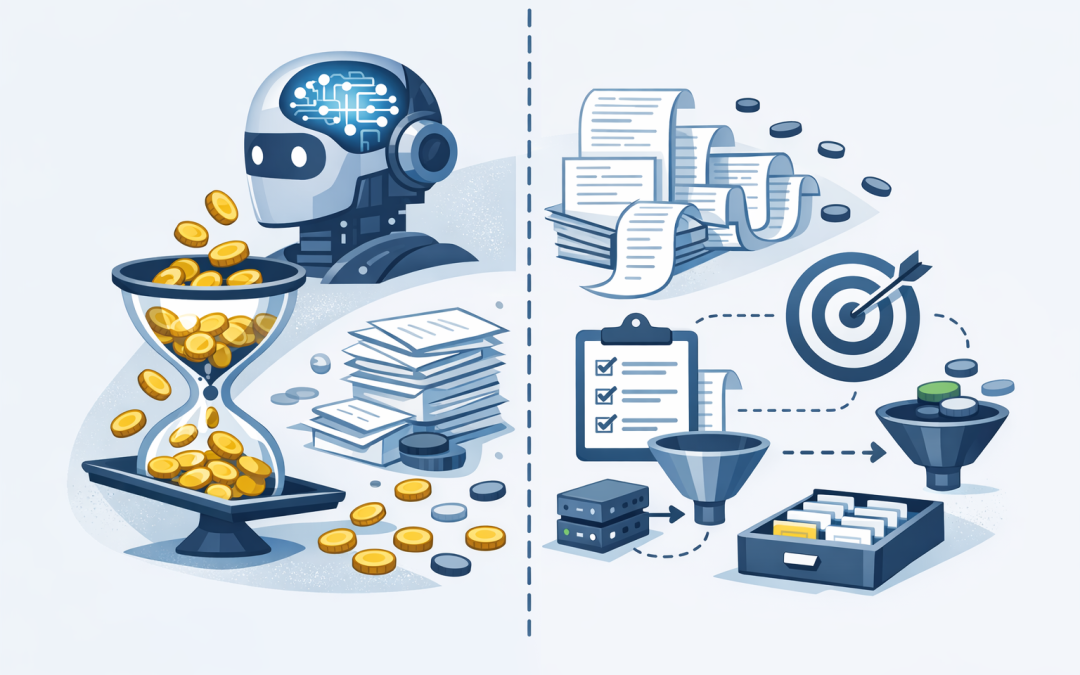
In this blog post How Better Prompt Design Can Reduce AI Costs in Your Business we will look at why many companies spend more on AI than they need to, and how clearer prompts can reduce waste without slowing innovation.
Most AI cost problems do not start with the model. They start with the way people ask the model to work.
A team rolls out ChatGPT, Claude, Microsoft Copilot, or a custom Azure OpenAI assistant. Usage grows quickly. Then the invoice arrives, and nobody is quite sure why a simple-looking chatbot is costing so much.
The answer is often prompt design. A prompt is the instruction you give an AI system. It can be a short question, a long policy document, a customer record, a support ticket, or a set of rules the AI must follow every time it responds.
Good prompt design is not just about getting better answers. It is also a cost control tool.
How AI costs actually work at a high level
Most business AI tools built on OpenAI, Anthropic Claude, or Azure OpenAI are priced around usage. The unit of usage is usually called a token.
A token is a small piece of text. It might be a word, part of a word, a number, or punctuation. When you send a question to an AI model, the words you send are input tokens. When the model replies, the words it generates are output tokens.
That means your AI cost is shaped by two things: how much information you send in, and how much information you ask the model to send back.
This is where many businesses get caught. They focus on the number of users, but ignore the size and quality of the prompts those users or applications are sending.
A vague prompt can create longer conversations. A bloated prompt can send unnecessary data every time. A poorly structured prompt can make the AI guess, fail, and try again.
All of that costs money.
The simple technology behind prompt design
Large language models, often called LLMs, are AI systems trained to predict and generate text. They do not think like a person. They work by reading the text you provide, identifying patterns, and producing the most likely useful response.
The model can only work with the information inside its current conversation or connected tools. This working space is called the context window. In plain English, it is the amount of information the AI can consider at one time.
If you paste a 40-page policy into every request, the AI has to process that policy again and again. If your system prompt contains 2,000 words of instructions for a task that needs 200, you are paying for the extra 1,800 words every time.
Better prompt design reduces that waste. It tells the AI what role it should play, what outcome is needed, what information matters, what format to use, and what it should avoid.
The best prompts are not longer. They are clearer.
Where AI cost waste usually hides
At CloudPro Inc, we often see the same patterns when reviewing AI pilots for Australian businesses.
1. Every request carries too much baggage
Many companies build AI assistants that include the same long background instructions in every request. This might include company history, tone of voice, full product lists, compliance policies, support rules, and examples.
Some of that context is useful. Much of it is not needed for every task.
A better approach is to split instructions into layers. Keep the permanent instructions short. Add task-specific context only when needed. Store reference documents separately and retrieve only the relevant sections.
The business outcome is simple: fewer unnecessary input tokens, faster responses, and lower run costs.
2. The prompt asks the AI to solve too many jobs at once
A common prompt might say: analyse this customer issue, check policy, write a reply, classify the risk, update the CRM note, and suggest a follow-up plan.
That may sound efficient, but it often creates messy results. The AI produces a long answer, users ask follow-up questions, and the application burns more tokens fixing avoidable confusion.
Better prompt design breaks the work into clear steps. For example, classify first, then draft, then summarise. Some steps can use a smaller, cheaper model. Only the complex step needs the most capable model.
This is called model routing. In plain English, it means sending simple work to a cost-effective AI model and saving the premium model for tasks that genuinely need deeper reasoning.
3. Outputs are longer than the business needs
AI models are very good at giving full answers. That is helpful until every response becomes a mini report.
If a service desk agent needs three bullet points, do not ask for a detailed explanation. If a manager needs a decision summary, do not ask for a full analysis with background, assumptions, risks, and next steps every time.
Prompt design should set output limits. Ask for the exact format the user needs.
Weak prompt:
Summarise this incident.

Better prompt:
Summarise this incident for an operations manager.
Use no more than 5 bullet points.
Include business impact, affected users, current status, next action, and owner.
Avoid technical detail unless it changes the business decision.
This reduces output tokens and makes the answer easier to use.
4. Teams repeat the same prompts manually
In many businesses, staff create their own prompts from scratch. Ten people ask the same question ten different ways. Some get good results. Some get poor results. Everyone spends time editing.
For a 50 to 500 person organisation, this is where a prompt library can help.
A prompt library is a set of approved, reusable instructions for common tasks. Examples include board paper summaries, policy drafts, tender responses, risk reviews, customer email replies, and internal knowledge searches.
This gives staff a better starting point. It also gives IT and leadership more control over cost, privacy, and quality.
5. The AI is being used when a simpler tool would do
Not every task needs generative AI. If the answer is always the same, a normal workflow, script, template, or search function may be cheaper and safer.
This matters for CIOs and CTOs because AI cost control is not only a prompt problem. It is an architecture problem.
A well-designed system uses AI where judgement, language, summarisation, or reasoning is useful. It uses standard automation where the work is predictable.
A real-world scenario
Consider a 180-person professional services firm in Melbourne. The leadership team wanted an internal AI assistant to help staff find answers from HR policies, IT procedures, and project templates.
The first version worked, but costs climbed quickly. Every user question sent large chunks of policy content to the model, even when the question only related to one paragraph. The assistant also gave long answers because nobody had defined the output format.
The fix was not to shut the project down. The fix was to redesign the prompts and the flow.
We would typically look at four changes in this situation:
- Shorten the permanent system instructions so they contain only the rules needed every time.
- Retrieve only the relevant sections of each policy instead of sending whole documents.
- Set answer formats, such as short answer, steps, owner, and escalation point.
- Use a smaller model for simple lookups and a stronger model only for complex policy interpretation.
The result is a more controlled AI service. Staff still get useful answers, but the business stops paying for repeated, irrelevant text.
What good prompt design looks like
Good prompts usually include five things.
- Role: Tell the AI what perspective to use, such as HR advisor, security analyst, or customer service assistant.
- Goal: Explain the business outcome, such as reduce support time or prepare a decision summary.
- Context: Provide only the information needed for that task.
- Constraints: Set rules, such as word limit, privacy requirements, tone, or escalation triggers.
- Output format: Ask for bullets, a table, an email draft, or a short recommendation.
Here is a practical example.
Better business prompt:
You are helping an Australian operations director review a supplier delay.
Goal: decide whether this issue needs executive escalation.
Use the information below only.
Output:
1. One-sentence summary
2. Business impact
3. Recommended action
4. Escalate: yes or no
Keep the response under 180 words.
If information is missing, list the missing item instead of guessing.
This prompt is not fancy. It is clear. That is why it works.
Prompt caching and why structure matters
Modern AI platforms increasingly support prompt caching. In plain English, caching means the platform can recognise repeated parts of a prompt and process them more efficiently.
This can reduce cost and improve response speed when the same instructions or documents are used repeatedly.
But caching works best when prompts are structured consistently. If your application changes the order, wording, or formatting every time, the platform may not recognise the repeated content as easily.
That means prompt design is not just about human readability. It also affects how well the underlying AI platform can optimise repeated work.
The governance angle for Australian businesses
For Australian organisations, prompt design also connects to risk and compliance.
If staff paste sensitive customer data, financial records, contracts, or employee information into public AI tools, the cost issue becomes a privacy and security issue. This is especially important for organisations working toward Essential 8 maturity, the Australian government cybersecurity framework that many organisations use to reduce common cyber risks.
Clear prompt standards help staff understand what they can and cannot include. Combined with Microsoft 365, Intune, which manages and secures company devices, Microsoft Defender, which helps detect and respond to threats, and Azure OpenAI, which can keep AI workloads inside a managed cloud environment, businesses can reduce both cost and risk.
As a Microsoft Partner and Wiz Security Integrator, CloudPro Inc looks at AI through both lenses: is it useful, and is it controlled?
Practical steps to reduce AI costs with better prompts
If your AI spend is starting to grow, start with these steps before blaming the platform.
- Review your top 20 prompts: Find the prompts or workflows used most often. These are where small savings matter most.
- Measure input and output size: Look for long instructions, repeated documents, and overly detailed responses.
- Create standard prompt templates: Give staff approved prompts for common tasks instead of leaving everyone to invent their own.
- Use shorter outputs by default: Ask for summaries first, then allow users to request more detail if needed.
- Separate simple and complex work: Use lower-cost models for basic tasks and stronger models for high-value reasoning.
- Check privacy rules: Make sure prompts do not include sensitive information unless the platform and controls are appropriate.
- Monitor cost by team or use case: Leaders need visibility. Without reporting, AI spend becomes another mystery line item.
The bottom line
Better prompt design will not fix every AI cost problem, but it is one of the fastest places to start.
It reduces unnecessary tokens, improves answer quality, shortens review time, and gives leaders more confidence that AI is being used responsibly.
For CIOs, CTOs, and IT managers, the key message is this: AI cost control is not just a finance task. It is a design task.
CloudPro Inc is based in Melbourne and works with clients across Australia and internationally. With 20+ years of enterprise IT experience across Azure, Microsoft 365, Intune, Windows 365, OpenAI, Claude, Defender, and Wiz, we help organisations build AI services that are practical, secure, and cost-aware.
If you are not sure whether your current AI prompts are costing more than they should, we are happy to take a look and show you where the waste may be hiding. No pressure, no jargon, just a practical review.
Discover more from CPI Consulting
Subscribe to get the latest posts sent to your email.