by CPI Staff | Jun 3, 2026 | AI for Business & AI Strategy, AI Governance & Risk Management, AI Vendor Selection & Implementation, Blog
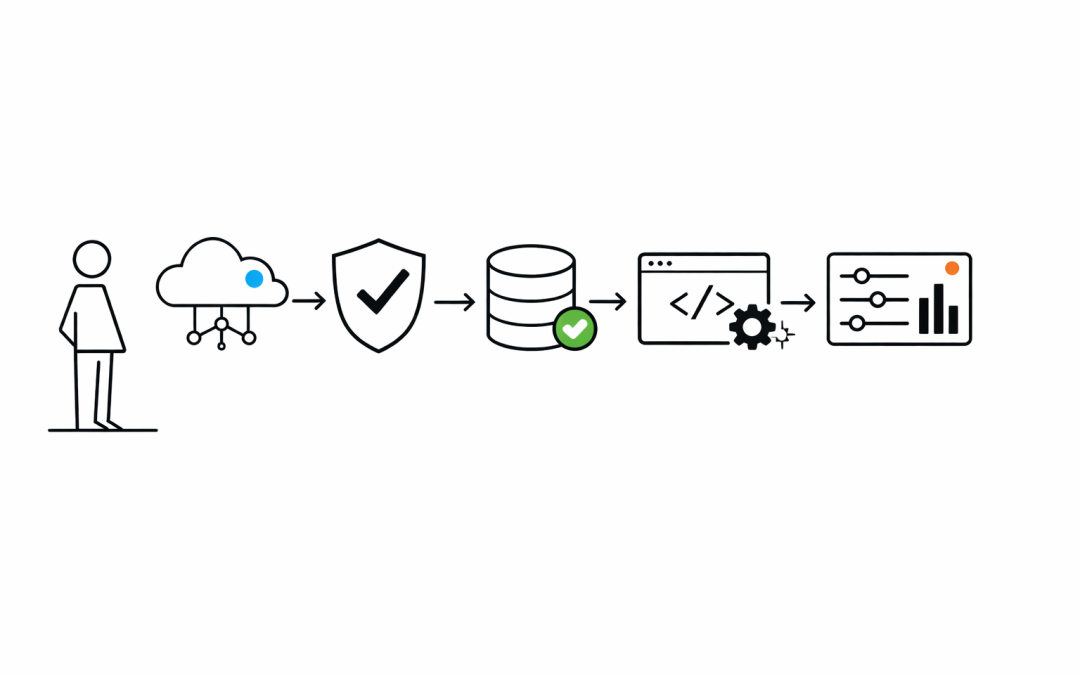
For many Australian organisations, the hardest part of enterprise AI is not choosing a model. It is getting through procurement, security review, architecture sign-off, billing approval, and governance without creating another disconnected platform that adds risk and...
by CPI Staff | Jun 3, 2026 | AI for Business & AI Strategy, AI Governance & Risk Management, Blog
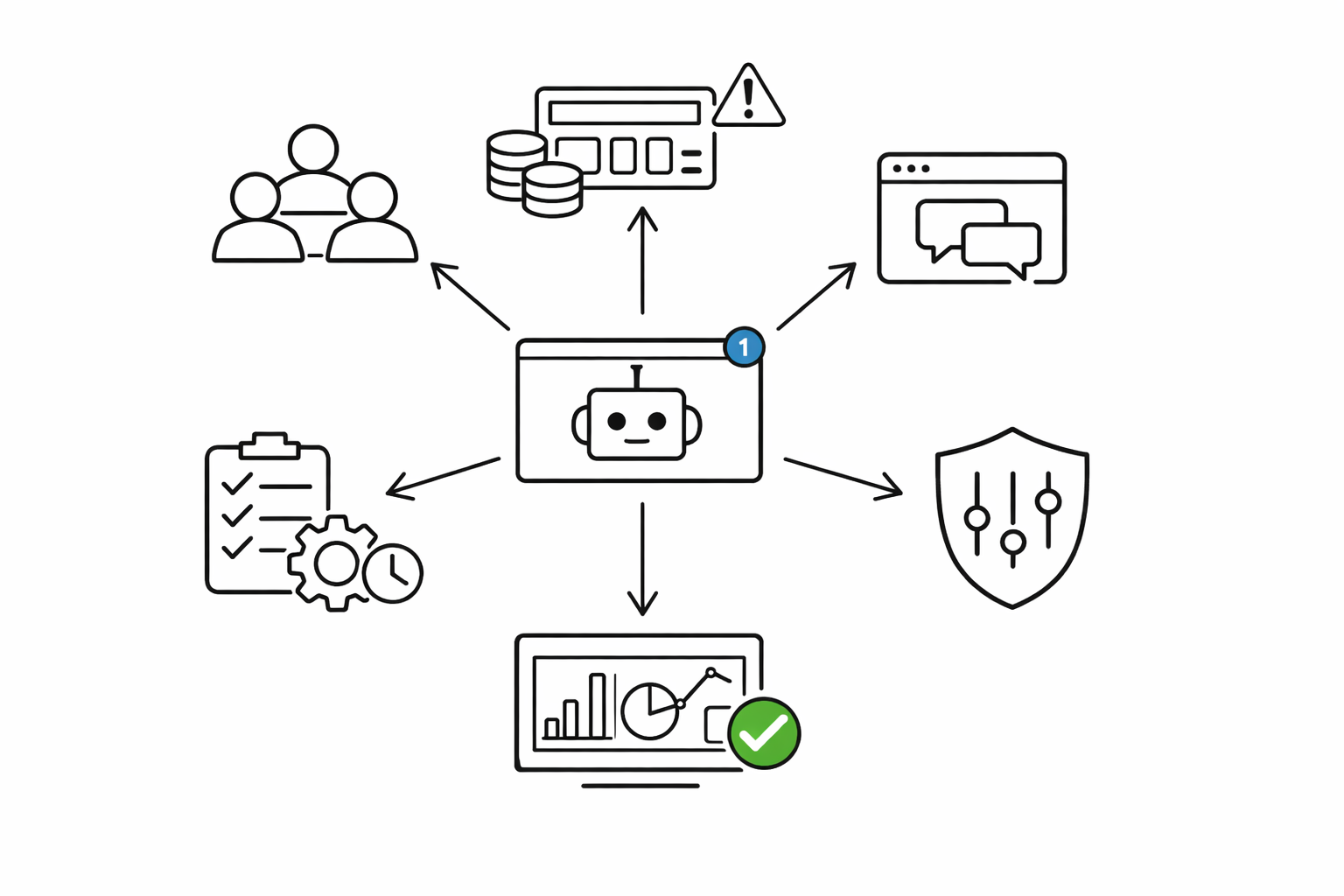
GitHub’s move to usage-based billing for Copilot is the kind of product change that looks minor in a release note and major in a finance review. From 1 June 2026, Copilot usage is no longer just a seat-count conversation. It is now a consumption, model choice,...
by CPI Staff | Jun 3, 2026 | AI for Business & AI Strategy, AI Governance & Risk Management, Blog
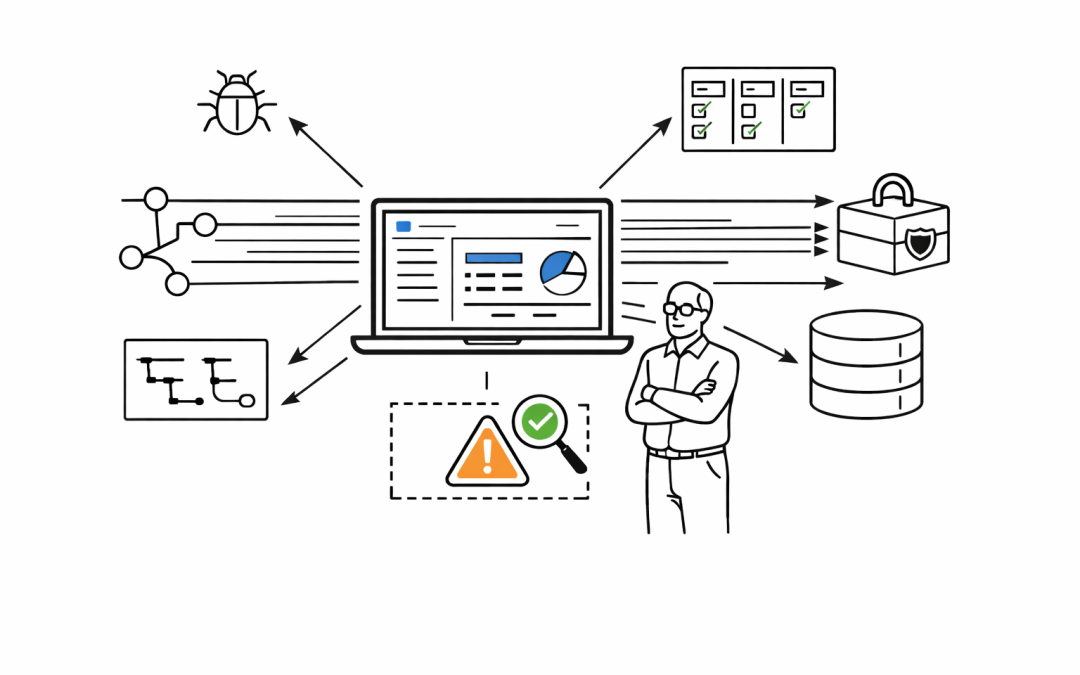
Most organisations are still treating AI coding tools like faster autocomplete. That is already out of date. At Microsoft Build 2026, GitHub introduced the new GitHub Copilot app as an agent-native desktop experience. For senior developers and engineering leaders, the...
by CPI Staff | Jun 1, 2026 | AI for Business & AI Strategy, AI Governance & Risk Management, Blog, C#
Microsoft 365 licensing is changing again, and this time the impact is likely to be felt most by small and mid-sized businesses planning their Copilot adoption. From July 1, Microsoft is restructuring how Microsoft 365 Business plans with Copilot are packaged and...
by CPI Staff | Jun 1, 2026 | AI Governance & Risk Management, AI Vendor Selection & Implementation, Blog, C#
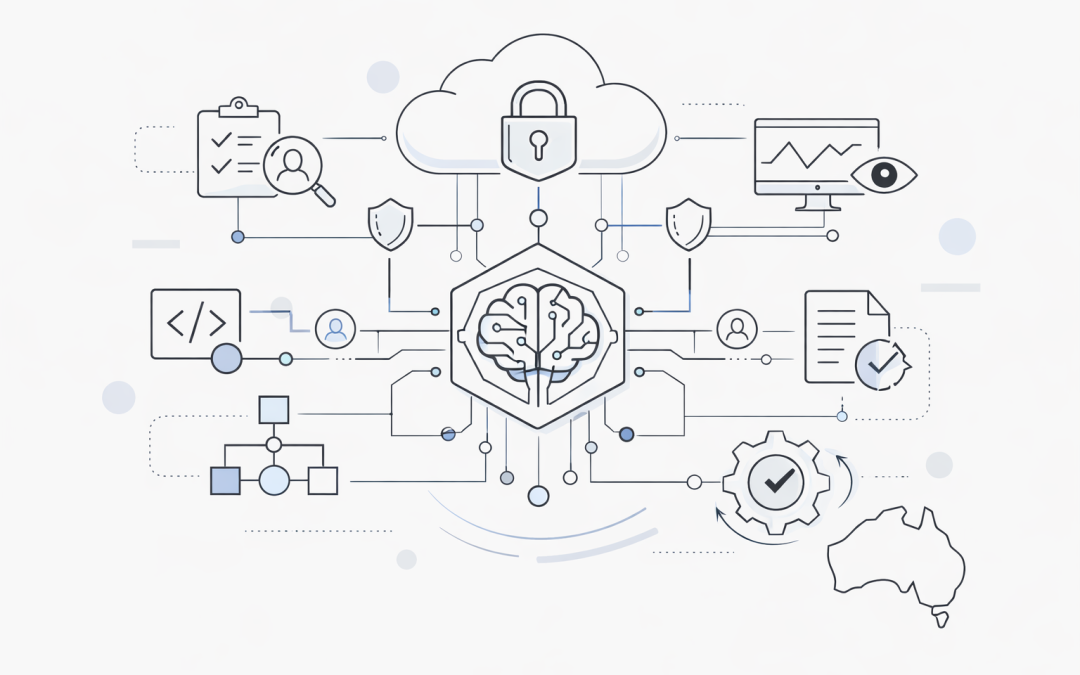
Anthropic’s Claude Opus 4.8 is now available in Microsoft Azure AI Foundry, giving organisations another frontier model option inside the Azure ecosystem. For Australian businesses already standardising on Microsoft cloud services, this matters for a simple reason: AI...
by CPI Staff | Jun 1, 2026 | AI for Business & AI Strategy, AI Governance & Risk Management, Blog, C#
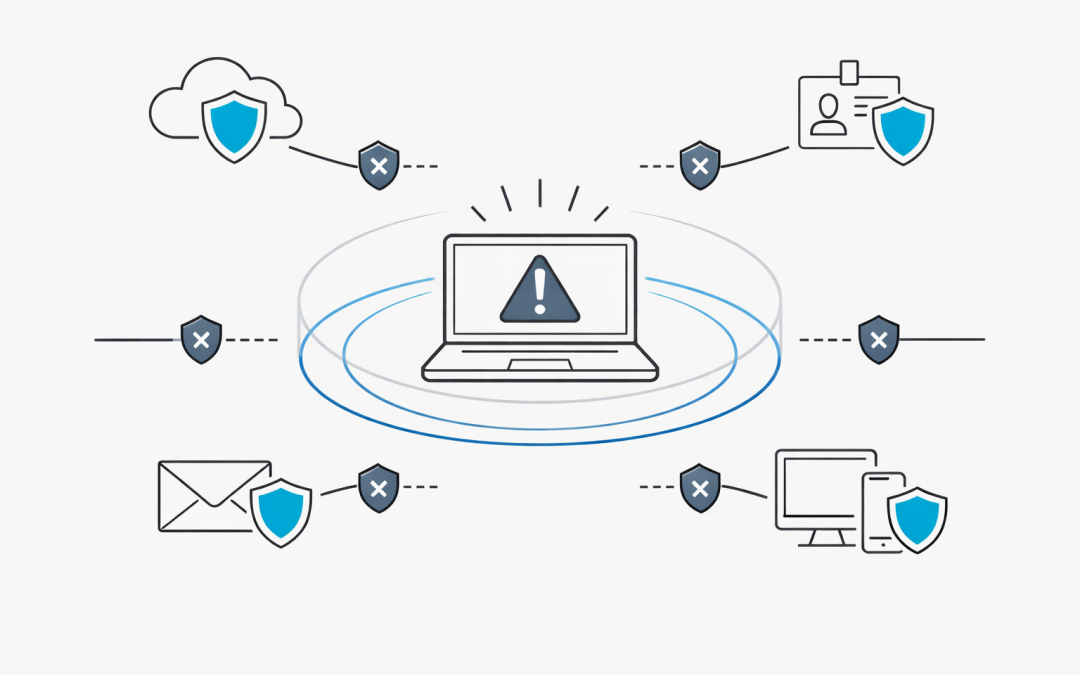
When a device is compromised, every minute matters. For many Australian organisations, the hardest part of incident response is not detecting that something is wrong. It is acting quickly enough to stop the attack spreading while still keeping enough visibility to...