
In this blog post How to Choose the Right AI Sandbox Provider for Your Business we will explain what to compare, which questions to ask and how to avoid paying for a platform that creates more risk than it removes.
Your team wants AI agents to analyse documents, test code or automate routine work. But allowing AI-generated actions to run directly inside your normal systems could expose sensitive data, damage files or create an unexpectedly large cloud bill.
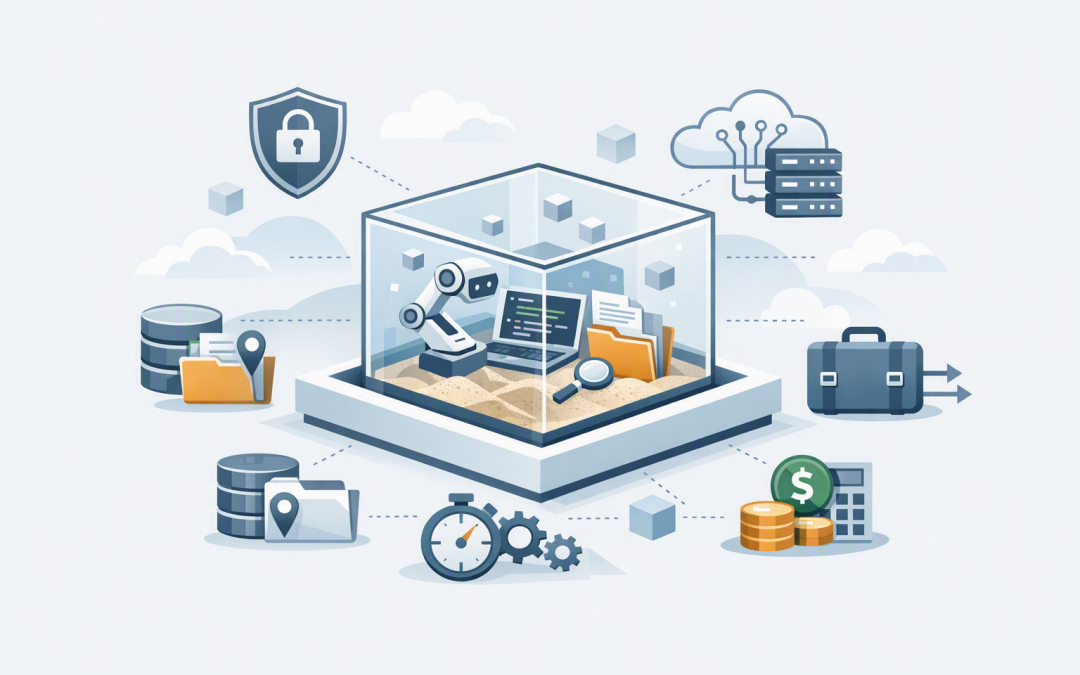
A sandbox solves this by giving the AI agent a temporary, isolated computer in which to work. The agent can open files, run software and produce results without receiving unrestricted access to your production systems.
The challenge is that sandbox providers differ significantly. A low-cost option may lack the security controls required by your clients, while the most advanced platform may be unnecessarily expensive for a small internal pilot.
How AI sandbox technology works
An AI sandbox is essentially a controlled workspace created on demand. It normally has its own processing power, memory, file storage and network rules. When the task finishes, the environment can be shut down, preserved for later or completely deleted.
Under the surface, providers commonly use containers, virtual machines or lightweight virtual machines. Containers separate applications while sharing parts of the underlying operating system. Virtual machines create a stronger boundary by giving each environment its own operating system layer.
The provider also supplies an application programming interface, or API, which is simply a structured way for your AI application to create, control and close sandboxes automatically. This is what allows hundreds of isolated tasks to run without someone manually setting up a computer each time.
If you are still deciding whether your use case requires this protection, our guide to when a business AI agent needs a secure sandbox explains where isolation becomes important.
Start with the business task rather than the provider
It is easy to begin with a shortlist of popular platforms. A better approach is to define exactly what the sandbox must allow the AI to do.
A document-analysis agent may only need Python, temporary file storage and access to an approved document repository. A coding agent may need development tools, Git access and the ability to launch a test website. An agent controlling a browser may require a full virtual desktop.
Write down your first two or three use cases and identify:
- What data enters the sandbox.
- Which applications and websites it must access.
- Whether files need to remain after the task finishes.
- How quickly the environment must start.
- How many tasks may run at the same time.
- What evidence your security or compliance team needs.
This prevents you from buying impressive features that do not produce a measurable business outcome.
Check the strength of the isolation
Every provider will describe its environments as isolated or secure. Those words are not enough for a risk assessment.
Ask what separates one customer, sandbox and workload from another. Find out whether the provider uses standard containers, dedicated virtual machines, micro virtual machines or another security boundary. The appropriate answer depends on the sensitivity of the work.
For public information and basic prototypes, container-based isolation may be sufficient. For financial records, legal documents, customer data or untrusted AI-generated code, stronger virtual machine isolation may be worth the additional cost.
You should also ask what happens if code inside the sandbox attempts to consume all available memory, inspect another environment or escape its restrictions. Resource limits and automatic termination protect both your data and your budget.
Examine network and credential controls
A sandbox can be isolated from your servers while still having unrestricted internet access. That creates a path through which an AI agent could accidentally upload information or download unsafe software.
Look for a provider that lets you control outbound connections. Ideally, you should be able to permit approved services while blocking everything else. For example, an agent could access Microsoft SharePoint and an approved AI model without being allowed to send files to an unknown website.
Credentials require similar care. Passwords, API keys and access tokens should be provided only when needed, hidden from the agent where possible and removed when the task ends. Never place permanent administrator credentials inside a reusable sandbox.
This is also why the AI agent’s decision-making layer should not be bundled tightly with its working environment. Our article on separating the agent harness from sandbox compute explains how this design limits failures and makes changing providers easier.
Understand where your data goes
For Australian businesses, data location cannot be treated as a checkbox. Ask where the sandbox runs, where uploaded files are stored, where logs are retained and whether backups or diagnostic information leave the selected region.
You should also confirm how quickly deleted information is removed, whether the provider uses customer data to improve its services and which staff can access the underlying systems. These questions matter when handling personal information under Australian privacy requirements or working under client confidentiality agreements.
A sandbox alone does not make an organisation compliant with the Essential Eight, the Australian government’s cybersecurity framework for reducing common attacks. However, controlled access, activity logging, restricted administrator privileges and prompt software updates can support your broader Essential Eight program.
Compare lifecycle and recovery options
Some tasks work best in a clean environment created for every request. Others need a workspace that remains available across several days.
Starting fresh reduces the chance that old files, unwanted software or excessive permissions will affect the next task. Reusing an environment can save time when an agent needs to continue a complex analysis or maintain installed tools.
Look for configurable time limits, automatic shutdown, snapshots and clear deletion rules. A snapshot is a saved copy of the sandbox that can be restored later. It can reduce startup time, but it may also preserve sensitive files or outdated software.
Our guide on reusing a live sandbox versus starting fresh provides a practical framework for making this decision.
Calculate the full cost of each provider
The advertised processing rate rarely represents the final bill. Storage, network traffic, snapshots, premium support, idle environments and minimum runtime charges can materially change the cost.
Consider a hypothetical 200-person professional services firm running 600 document tasks each working day. Provider A has a lower hourly rate but bills every sandbox for a minimum of 15 minutes. Provider B appears more expensive per hour but starts quickly, charges by the second and closes idle environments automatically.
When tested with the real workload, Provider B could cost less while completing tasks faster. This is why a pilot should measure the total cost per successful business task rather than the price per unit of computing power.
Set spending limits and alerts before production use. An AI agent can repeat a failed action thousands of times unless the surrounding system imposes sensible limits.
Consider operations and provider lock-in
Your team needs to see what each sandbox did, which files it accessed, how long it ran and why it failed. Without central logs and alerts, investigating a security incident or unexpected invoice becomes difficult.
Check whether the provider connects with your existing identity, monitoring and security tools. An organisation already using Microsoft Azure, Microsoft Entra ID and Microsoft Defender may benefit from Azure-native isolated session services because access and monitoring can fit its existing governance model.
Specialist AI sandbox platforms may offer faster setup, ready-made development environments and broader model support. Self-managed platforms provide greater control but make your team responsible for patching, capacity, availability and incident response.
Avoid designing the entire application around one provider’s unique features unless they deliver a clear advantage. A clean separation between the AI model, agent instructions and sandbox service gives you more negotiating power and a practical exit path.
Use a weighted selection scorecard
A short proof of concept is more valuable than a long sales demonstration. Give each shortlisted provider the same workload, security tests and success measures.
A practical scorecard might assign:
- 30% to security and isolation including network restrictions, credential handling and workload separation.
- 20% to data governance including location, retention, deletion and audit evidence.
- 15% to workload fit including required tools, file handling and model compatibility.
- 15% to reliability and operations including startup speed, monitoring, support and recovery.
- 10% to total cost based on realistic task volumes rather than headline prices.
- 10% to portability including standard interfaces, export options and contract terms.
Test normal work as well as failure scenarios. Upload an oversized file, request an unapproved website, interrupt a running task and confirm that an expired sandbox cannot still access company systems.
If code review or web development is a priority, see how sandbox agents support safer code reviews and website prototypes. For sensitive document workflows, our article on secure data-room document analysis covers additional controls to test.
Choose for risk, value and operational fit
The right sandbox provider is not necessarily the provider with the longest feature list. It is the one that safely supports your real workloads, fits your existing systems and produces predictable costs.
CloudProInc combines more than 20 years of enterprise IT experience with practical knowledge of Azure, Microsoft 365, OpenAI, Anthropic Claude, Microsoft Defender and Wiz. As a Melbourne-based Microsoft Partner and Wiz Security Integrator, we help organisations compare architecture and security options without turning the exercise into a giant infrastructure project.
If you are unsure which sandbox model fits your AI plans, or whether a provider’s security claims stand up to scrutiny, we are happy to help you assess the options and design a small, measurable pilot with no unnecessary commitment.
Discover more from CPI Consulting
Subscribe to get the latest posts sent to your email.