
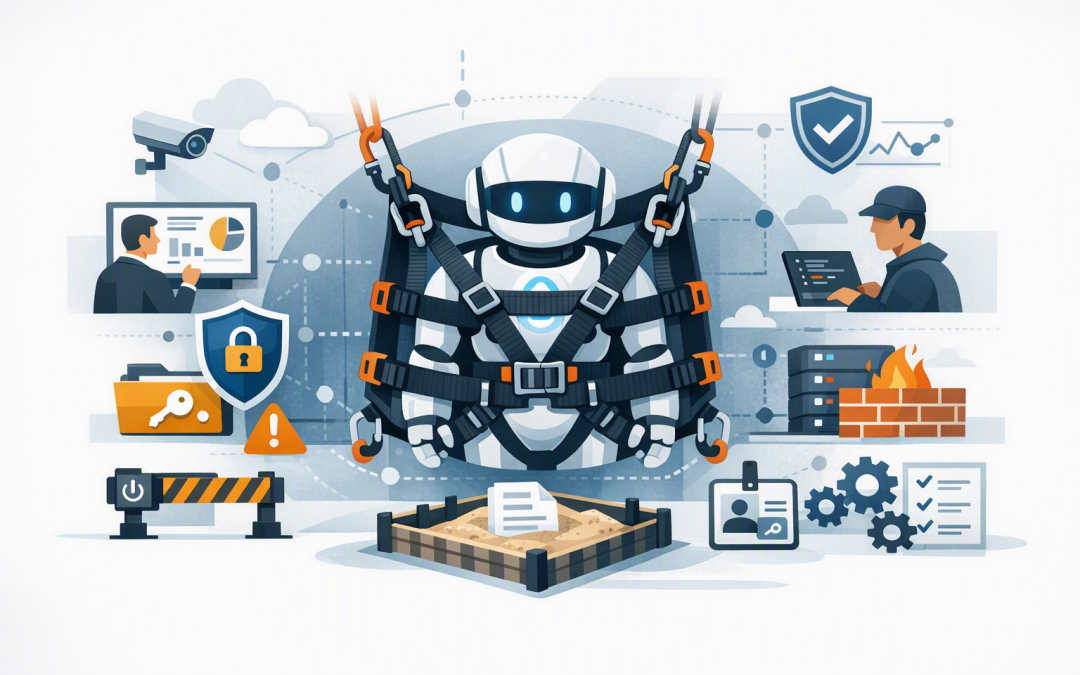
In this blog post From Agent Harness Prototype to Secure Production Operations we will explain how to move an AI agent from a promising trial into a controlled, measurable and secure business service.
The risky point is rarely the first demonstration. Problems appear later, when more employees use the agent, business data changes, costs increase and the agent gains permission to update records, send messages or trigger other systems.
An agent harness is the control layer around an AI model such as OpenAI or Anthropic Claude. It manages the tools the agent can use, the data it can access, the actions requiring approval, and what happens when something fails. Our earlier guide to understanding the agent harness behind reliable AI workflows explains this foundation in more detail.
Moving to production means proving that the entire system is governed, observable and secure. The goal is not to eliminate every possible mistake. It is to prevent high-impact mistakes, detect problems quickly and limit the damage when something unexpected occurs.
Why a successful prototype can still fail in production
A prototype usually has a narrow task, a small test dataset and a developer watching it closely. Production is different. The agent may encounter incomplete customer records, unusual requests, malicious instructions and systems that are temporarily unavailable.
It may also process hundreds or thousands of tasks instead of ten. A small inefficiency in the prototype can become a significant monthly cloud bill, while one overly broad permission can create a serious security incident.
Before launch, technology leaders should be able to answer five practical questions:
- Who owns the agent and its business outcomes?
- Exactly what data and systems can it access?
- Which actions can it take without human approval?
- How will we know when quality, security or cost deteriorates?
- Can we stop, investigate and recover the service safely?
1. Give every production agent a named business owner
AI governance often becomes a collection of technical documents that nobody outside IT reads. A more useful starting point is a named business owner who accepts responsibility for what the agent does.
That owner should approve the intended use, acceptable error rate, permitted information, escalation process and measures of success. For example, an accounts payable agent might be allowed to prepare invoice data, but not approve a payment or change bank details.
Assign a technical owner as well. This person maintains the harness, model settings, integrations, monitoring and recovery process. Clear ownership avoids the common situation where a useful experiment becomes an unofficial service that nobody is properly managing.
A simple production policy might look like this:
Agent: Accounts Payable Assistant
Business owner: Finance Director
Technical owner: IT Operations Manager
Allowed actions: Read invoices, validate fields, prepare ERP entry
Approval required: Supplier changes, payments, bank detail updates
Maximum transaction value: $0 without human approval
Data retention: 30 days for operational logs
Shutdown authority: Service Desk and Security Team
This is understandable to executives, auditors and technical teams. It also creates evidence that controls were considered before the agent received access to important systems.
2. Treat observability as a business control
Traditional software normally follows predictable instructions. An AI agent can choose different steps depending on the request, available information and results returned by its tools. That makes observability essential.
Observability means being able to reconstruct what happened. A production trace should show the request, model used, tools called, approvals requested, errors, retries, response time and estimated cost. Sensitive prompt and response content should only be recorded when necessary and protected with strict access and retention controls.
Microsoft Foundry can send agent telemetry to Azure Monitor and Application Insights, which collect operational information in one place. OpenTelemetry, an industry-standard format for recording application activity, can help maintain consistent monitoring across Microsoft, OpenAI and custom agent components.
Do not stop at technical measures such as uptime. Track business measures including:
- Percentage of tasks completed correctly
- Number of tasks escalated to employees
- Average employee time saved per task
- Incorrect or blocked tool requests
- Cost per successful business outcome
- Security alerts and policy violations
Our guide on monitoring and evaluating Microsoft Foundry agents safely covers how evaluation and monitoring can be built into the release process rather than added after an incident.
3. Give the agent less access than the employee using it
A common mistake is connecting an agent with a powerful administrator account because it makes the prototype easier to build. In production, this gives every mistake or manipulated request a much larger impact.
Each agent should have its own identity and the minimum permissions required for its specific job. This is known as least privilege. An agent that summarises support tickets should not be able to delete them, create user accounts or browse unrelated customer files.
Separate read tools from write tools. Reading an order is lower risk than changing its delivery address. High-impact operations should require additional validation, a human approval or both.
This is particularly important when an agent processes emails, websites or uploaded documents. Those sources may contain prompt injection, meaning hidden or misleading instructions designed to make the agent ignore its rules. Model safeguards help, but they cannot replace narrow permissions and approval controls.
For Claude-based workflows, our article on designing secure tool use for Claude agents provides a practical approach to permissions, approvals and logging.
4. Contain execution and plan for failure
If an agent can run code, open files or process untrusted content, its working environment should remain separate from the harness that controls permissions and policy. This limits how far a compromised or malfunctioning task can reach.
The working environment, often called a sandbox, should have limited network access, temporary storage, spending limits and a fixed lifespan. Our article explaining why the agent harness and sandbox compute should stay separate covers this architecture in depth.
Production design must also assume that models, tools and cloud services will occasionally fail. Set time limits, retry limits and maximum numbers of tool calls. Make important operations safe to resume without creating duplicate payments, tickets or customer messages.
Most importantly, provide a kill switch. Your operations or security team must be able to disable the agent, revoke its credentials and block its tools without waiting for a developer to deploy new code.
5. Connect AI controls to your existing security program
An AI agent should not sit outside your normal cybersecurity and compliance processes. Include it in identity reviews, vulnerability management, incident response, backup planning, supplier assessment and privacy reviews.
For Australian organisations, the Essential Eight—the Australian Government’s baseline cybersecurity framework—remains relevant. Controls such as restricting administrative privileges, multi-factor authentication, application control, patching and regular backups help protect the systems surrounding the agent.
However, Essential Eight compliance alone does not prove that an agent is safe. You still need AI-specific controls covering tool permissions, prompt injection, output validation, human approvals, evaluation and monitoring.
Also decide what information may be sent to each model and region. Personal information, commercial records and security logs may create obligations under Australian privacy legislation, customer contracts and internal data-handling policies.
A practical production scenario
Consider a 200-person services company introducing an agent to triage support requests and prepare responses. The prototype saves time, but it uses a shared service account, records complete customer conversations indefinitely and can update any ticket.
Before production, the company gives the agent its own restricted identity, separates drafting from ticket updates and requires approval before closing high-priority cases. Monitoring records task outcomes, latency, tool use and cost, while sensitive trace content is filtered and retained for a limited period.
The business still gains faster response times, but with fewer opportunities for data exposure or incorrect customer communication. It can also demonstrate to management and auditors who approved the service, what it is allowed to do and how incidents will be handled.
Use a production gate rather than a launch date
Do not launch simply because a project deadline has arrived. Create measurable release conditions covering task quality, security testing, cost limits, rollback, privacy and support readiness.
Start with a small user group and low-risk tasks. Increase permissions and volume only after monitoring shows that the agent behaves reliably. Human approval points can then be adjusted using evidence rather than optimism, as discussed in our guide to keeping Azure AI workflows under human control.
CloudProInc brings more than 20 years of enterprise IT experience to this work across Azure, Microsoft 365, Microsoft Defender, Wiz, OpenAI and Claude. As a Melbourne-based Microsoft Partner and Wiz Security Integrator, we focus on practical controls that fit the business rather than creating another layer of paperwork.
If your agent prototype works but you are not yet confident about production governance, monitoring or security, we are happy to review the design and identify the gaps—no strings attached.
Discover more from CPI Consulting
Subscribe to get the latest posts sent to your email.