
In this blog post Why AI Agents Need Separate Identities Permissions and Audit Logs we will explain how to give AI agents useful access without creating an invisible security risk.


An AI agent is software that can complete tasks rather than simply answer questions. It might update customer records, prepare invoices, search company files, create support tickets or communicate with another agent. That ability can save hours of work, but it also raises a basic business question: who is accountable when the agent takes action?
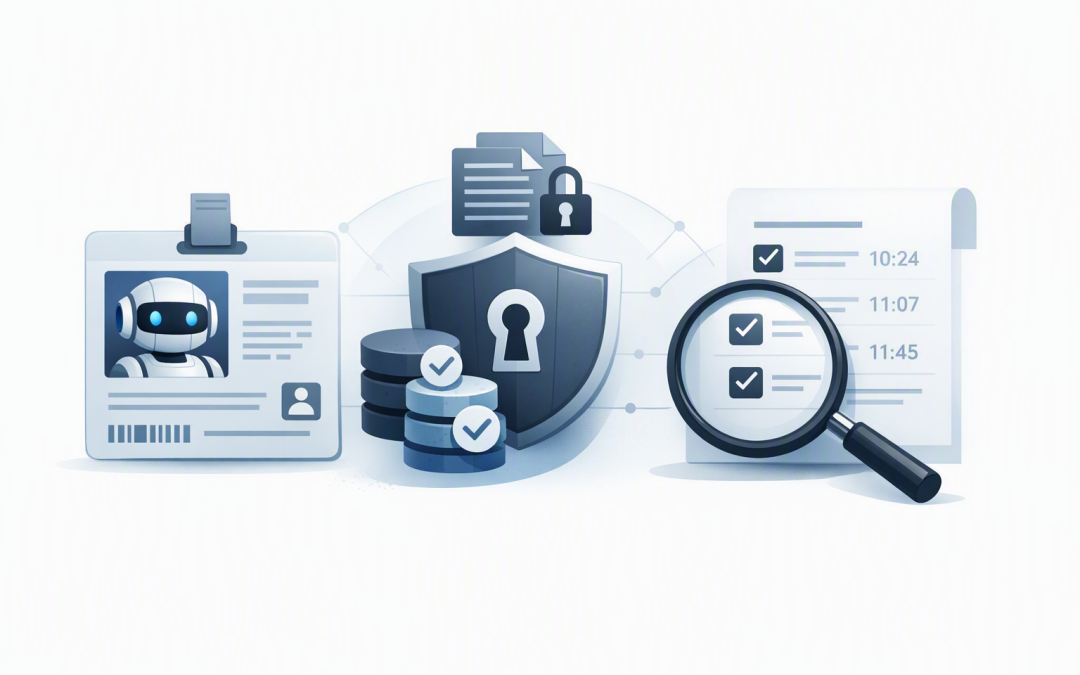
The answer starts with three controls. The agent’s identity confirms who or what is acting. Its permissions determine what it is allowed to do. Its audit logs record what happened. If any one of these controls is missing, investigating errors, limiting damage and demonstrating compliance becomes much harder.
The shared account problem
Many early AI projects connect an agent to business systems using a developer’s account, a shared administrator login or one powerful application credential. It is quick, but it creates the digital equivalent of giving several contractors the same master key.
If the agent deletes a document, emails the wrong customer or changes a financial record, the system may only show that the shared account performed the action. It may not identify which agent was involved, which user requested the task or why the action was allowed.
Shared access also makes permissions difficult to remove. Disabling the credential could interrupt several agents and business processes at once, so risky access often remains active longer than it should.
How agent identity technology works
A separate agent identity is a dedicated digital account created for one AI agent or a clearly defined type of agent. It allows identity platforms such as Microsoft Entra ID, which controls access to Microsoft cloud services and connected applications, to recognise the agent independently from employees and ordinary software.
Microsoft Entra Agent ID extends this approach with identity records designed for AI agents. These records can include the agent’s purpose, owner, authentication method and approved access. Reusable blueprints can also apply a consistent set of controls when multiple agents perform similar jobs.
When an agent needs to access Microsoft 365, Azure or another connected system, it requests a short-lived digital access pass called a token. The receiving system checks the token and only permits the approved actions. This is safer than storing a permanent password inside the agent’s code or configuration.
For a deeper explanation of this identity layer, see how Microsoft Entra Agent identities secure AI agents.
One identity creates clear accountability
Each production agent should have a distinct identity, a documented purpose and a named business owner. The owner does not need to be the developer. It should be someone who understands the process, the data involved and the consequences if the agent makes a mistake.
This makes basic governance questions easier to answer:
- What business task is this agent approved to perform?
- Which systems and data can it access?
- Who approved that access?
- Who reviews its activity and performance?
- Who can disable it during an incident?
A separate identity also provides a practical kill switch. If one agent starts behaving unexpectedly, IT can block that identity without shutting down unrelated automation or changing an employee’s account.
Permissions should match the task
An identity is only useful if its permissions are tightly controlled. The safest approach is least privilege, which means giving the agent only the access required for its specific job and nothing more.
For example, an accounts receivable agent may need to read approved invoice data and draft reminder emails. It probably does not need permission to change bank details, approve refunds, create users or browse every mailbox in the company.
Write access should be separated from read access wherever possible. High-impact actions, such as deleting records, changing payment details or sending external communications, may also require human approval.
Permissions should consider whether the agent works autonomously or on behalf of an employee. An autonomous agent operates using its own approved access. An interactive agent may act for a signed-in user, but it should not automatically inherit every permission that person has.
Our article on securing agent identities with Microsoft Entra ID controls explores how access policies can be applied without making useful AI projects unworkable.
Audit logs turn activity into evidence
Audit logs are time-stamped records of important events. For AI agents, they should show when the agent signed in, which system it accessed, what action it attempted, whether it succeeded and which user or process initiated the request.
Identity logs are only part of the picture. A complete evidence trail may also need to record the agent’s instructions, the tools it called, approvals received, data sources used and the final business action. Sensitive prompts and customer information must be protected rather than copied carelessly into every log.
Logs should be sent to a protected monitoring platform where they can be searched and retained for an appropriate period. Microsoft Sentinel, for example, collects security information and helps teams detect unusual activity across identities, devices and cloud services.
If several agents communicate with one another, each hand-off should preserve accountability. Otherwise, a request can move through three agents while the final system records only the last one. We cover this challenge in more detail in securing agent-to-agent communication using Microsoft Entra ID.
What failure looks like in practice
Consider a 200-person professional services firm using an AI agent to prepare client reports. The agent reads project folders, gathers financial figures and drafts documents for consultants.
If it uses a shared administrator account, it may be able to access every client folder. A poorly worded request, compromised instruction or simple configuration error could place one client’s information into another client’s report.
With a separate identity, the agent can be limited to approved folders and read-only financial data. Each report request can be linked to the requesting employee, while the final document requires human approval before it is sent.
If something goes wrong, the firm can identify the affected records, disable the agent and explain what happened. That can turn a broad, expensive investigation into a contained operational issue.
How this supports Australian security expectations
The Essential Eight, the Australian Government’s baseline cybersecurity framework, does not provide a complete AI governance model. However, its focus on restricting administrative privileges strongly supports the case for narrowly controlled agent access.
Separate identities and reliable logs also make it easier to demonstrate that access is approved, reviewed and removed when no longer needed. This matters during customer security reviews, cyber insurance assessments and investigations involving personal information.
For agents that maintain long-term memory or store business decisions, identity logs should connect with protected data records. Our guide to building audit-ready AI agents with Azure Cosmos DB explains how secure storage can support that evidence trail.
A practical checklist for every AI agent
- Create a separate identity. Do not use an employee’s login or a credential shared by unrelated agents.
- Assign a business owner. Someone must approve the purpose, access and acceptable level of risk.
- Limit permissions. Start with read-only access and add higher-risk actions only when justified.
- Add approval points. Require human confirmation for payments, deletions, external messages and sensitive record changes.
- Protect credentials. Use managed, short-lived authentication rather than passwords stored in code.
- Collect useful logs. Record sign-ins, actions, approvals, failures and changes to the agent’s permissions.
- Review access regularly. Remove permissions that are unused or no longer required.
- Test the shutdown process. Confirm that the agent can be disabled quickly without interrupting unrelated services.
Useful AI needs visible control
The business value of AI agents comes from their ability to take action. That is also where the risk begins. Separate identities, carefully limited permissions and reliable audit logs allow organisations to automate work while keeping control and accountability.
CloudPro Inc combines more than 20 years of enterprise IT experience with practical work across Microsoft Azure, Microsoft 365, Entra, Defender, OpenAI, Claude and Wiz. As a Melbourne-based Microsoft Partner and Wiz Security Integrator, we help organisations design AI controls that fit their existing environment rather than adding another disconnected security tool.
If you are not sure which agents already have access to your data, or whether you could explain their actions during an audit, we are happy to take a practical look at your current setup with you — no strings attached.