
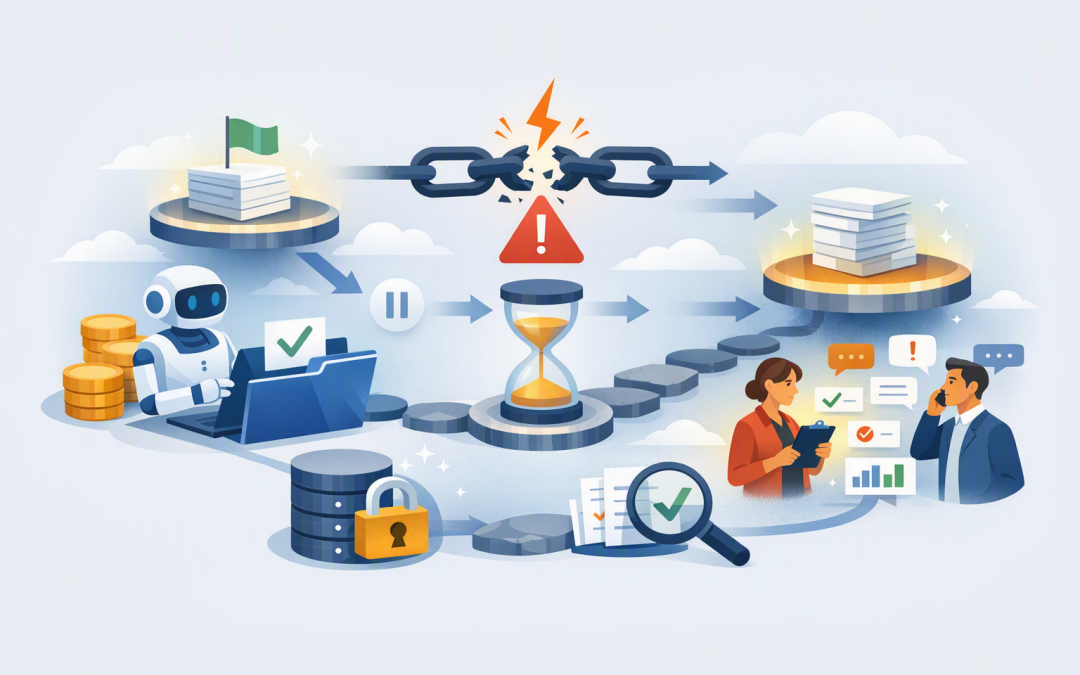
In this blog post How to Build AI Agents That Recover from Failure and Keep Working we will explain why AI agents fail during real business processes, how recovery technology works, and what you need to put in place before trusting an agent with important work.


An AI demonstration may run perfectly for five minutes. A production agent is different. It might work for hours, wait for a manager’s approval, update several systems and depend on services that are temporarily unavailable.
If the agent loses its connection halfway through, does it continue from the last safe step? Or does it restart, repeat transactions, lose information or quietly abandon the task?
That difference determines whether an AI agent saves money or creates another problem for your team to manage.
What failure recovery means for an AI agent
An AI agent is software that uses an AI model, such as OpenAI or Anthropic Claude, to make decisions and carry out actions. Those actions might include checking a customer record, preparing a report, requesting approval or creating a support ticket.
Failure recovery means the agent regularly records what it has completed. If a network connection drops, an application restarts or an external service stops responding, the agent can return to a known safe point and continue.
Think of it like saving a document while you work. Without regular saves, a crash can wipe out an hour of progress. With them, you reopen the document and continue from the last saved version.
Microsoft technologies such as Durable Task and Durable Functions can manage this saved state, automatic recovery and coordination across long-running workflows. Current Microsoft Agent Framework capabilities also support checkpoints that allow workflows to resume from recorded stages.
This complements the techniques covered in our guide to how Microsoft Foundry AI agents resume work after interruptions. The broader challenge is designing the entire business process so recovery is safe, not simply possible.
Why simply retrying the task is dangerous
Many early AI projects use a basic recovery rule: if something fails, try again.
That may be acceptable when generating a draft summary. It is risky when the agent is sending emails, changing customer records, placing orders or approving refunds.
Imagine an agent that creates a supplier payment, but the finance system takes too long to confirm it. If the agent assumes the payment failed and retries the action, it could create the same payment twice.
A reliable agent must first ask whether the action was completed. Only then should it retry, continue or escalate the issue to a person.
Five controls that keep AI agents working safely
1. Save progress at meaningful checkpoints
A checkpoint is a saved record of where the agent is in its process. It should capture the current stage, completed actions, important decisions and the information needed to continue.
Checkpoints should follow business milestones. For example, an employee onboarding agent might save progress after verifying the employee, receiving manager approval, creating the Microsoft 365 account and assigning the device.
If account creation fails, the agent resumes there. It does not repeat approvals or create a second employee record.
2. Make actions safe to repeat
Developers call this idempotency. In plain English, it means repeating an instruction will not accidentally repeat the business result.
Each transaction should have a unique reference number. Before creating a record, the agent checks whether that reference already exists.
This control can prevent duplicate invoices, repeated tickets and multiple customer notifications. It reduces financial risk while also saving staff from cleaning up avoidable errors.
3. Use controlled retries and sensible timeouts
A temporary outage should not immediately stop a business process. However, an agent should not keep trying forever.
Set a limited number of retries, with a longer delay between each attempt. Use different rules for different actions: reading a document may be safe to retry automatically, while submitting a payment may require verification first.
Microsoft’s durable workflow services support retry policies, timeouts and alternative recovery actions for failed steps.
4. Know when to involve a person
Recovery does not always mean the agent solves the problem alone. Sometimes the safest outcome is to pause and ask for help.
An agent should escalate when information is inconsistent, a financial threshold is exceeded, security rules may be affected or several recovery attempts have failed.
The person reviewing the issue needs a concise summary: what the agent was doing, what succeeded, what failed and what decision is required. They should not have to reconstruct the process from technical logs.
5. Monitor outcomes, not just system availability
A dashboard showing that an agent is online does not prove it is completing useful work.
Track how many tasks finish successfully, how often retries occur, which systems cause delays, how many cases require human intervention and whether the agent is producing duplicate or incomplete actions.
This turns reliability into a measurable business outcome. It also helps you find processes that are costing more in AI usage, staff review and support time than expected.
What the technology looks like underneath
The design usually separates the workflow controller from the individual actions. The controller decides which step runs next, while each action performs one contained task.
A simplified version might look like this:
load_saved_progress(task_id)

if customer_not_verified:
 verify_customer()
 save_checkpoint("customer_verified")

if approval_not_received:
 wait_for_manager_approval()
 save_checkpoint("approval_received")

if order_not_created:
 check_for_existing_order(task_id)
 create_order_if_missing()
 save_checkpoint("order_created")

mark_task_complete()
The important point is not the programming language. It is that the agent checks what has already happened before taking another action, then records each successful business milestone.
The saved information must also survive beyond the AI conversation itself. Our article on keeping AI agents from losing critical business information explains how durable storage and tested restoration protect this context.
A practical business scenario
Consider a 200-person professional services company using an agent to process supplier invoices. The agent reads each invoice, checks the purchase order, requests approval and enters the result into the finance system.
Without recovery controls, a finance system outage could leave dozens of invoices in an uncertain state. Staff would need to check each one manually, and an automatic restart could create duplicate entries.
With checkpoints and transaction references, the agent records which invoices were validated and approved. When the finance system returns, it continues only with invoices that have not been entered.
The outcome is not merely better technology. It is fewer duplicate payments, less manual checking, faster invoice processing and a clear audit trail.
Security must be part of the recovery design
Recovery data may contain customer details, approval history and links to business systems. It needs appropriate access controls, encryption, retention rules and monitoring.
The agent should also receive only the permissions required for its job. A support agent that creates tickets should not automatically have permission to change financial records.
This supports the Essential Eight, the Australian government’s cybersecurity framework that many organisations use to reduce common cyber risks. It also makes incident investigation and compliance reviews far easier.
Start with one process and test how it breaks
Do not begin by giving an agent broad access across the business. Choose one repetitive process with clear steps, measurable value and manageable consequences if something goes wrong.
Then deliberately test failures. Disconnect a service, delay an approval, provide incomplete data and restart the application halfway through a task. Confirm that the agent resumes safely and that staff can understand what happened.
CloudProInc brings more than 20 years of enterprise IT experience to this work. As a Melbourne-based Microsoft Partner and Wiz Security Integrator, we help organisations combine Microsoft Foundry, Azure, OpenAI, Claude and security controls without turning an AI trial into an expensive research project.
Reliable AI agents are not agents that never fail. They are agents that fail predictably, preserve completed work and recover without creating a larger business problem.
If you are unsure whether an AI agent is ready for a real business process, CloudProInc can review the workflow, recovery controls and security risks before it goes live — no strings attached.
Discover more from CPI Consulting
Subscribe to get the latest posts sent to your email.