
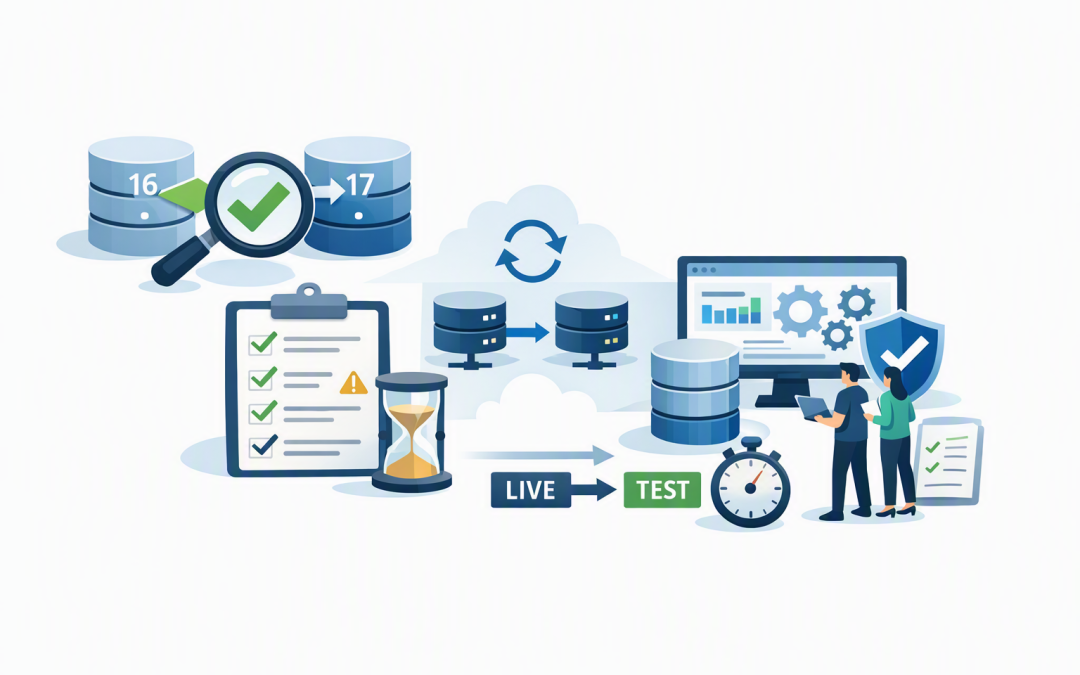
In this blog post Reduce Azure PostgreSQL Upgrade Risk with Pre-Upgrade Checks we will explain how pre-upgrade validation can uncover compatibility problems before a major-version change becomes a production outage.


Database upgrades often look straightforward on a project plan. Pick a version, schedule a maintenance window and press the upgrade button. The real risk is hidden in the applications, extensions and settings that have accumulated around the database over several years.
Azure Database for PostgreSQL Flexible Server is Microsoft’s managed PostgreSQL service. PostgreSQL stores the information used by business applications, customer portals, reporting systems and software platforms, while Azure handles much of the underlying infrastructure, backups and routine maintenance.
A major-version upgrade changes the first number in the PostgreSQL version, such as moving from PostgreSQL 16 to 17. Unlike a routine minor update, it can introduce compatibility changes that affect applications, database extensions and operating procedures.
Why a major-version upgrade carries business risk
Azure supports in-place upgrades, which means the existing server is upgraded without requiring a new server name or different application connection details. This can reduce migration work and downtime, but it does not make the change risk-free.
A technical upgrade may complete successfully while an important application still fails afterwards. A reporting tool might depend on an older database behaviour, an integration may use an unsupported extension, or a scheduled process may produce different results.
The business impact can include:
- Customer-facing applications becoming unavailable.
- Staff being unable to process orders, invoices or service requests.
- Delayed reporting and month-end activities.
- Unexpected work for developers and external software vendors.
- A maintenance window extending into normal business hours.
For organisations still running PostgreSQL 11, 12 or 13 on Azure, planning is particularly important because Azure Standard Support for those versions ended on 31 July 2026. Delaying the upgrade can increase support costs and leave the database engine without the normal level of security and bug-fix coverage.
What Azure pre-upgrade validation actually does
Azure’s Upgrade Validation Checks inspect an Azure Database for PostgreSQL Flexible Server before the upgrade starts. The validation is separate from the upgrade itself, so it does not change the PostgreSQL version, restart the server or create planned downtime.
Think of it as a roadworthy inspection before a long trip. It cannot guarantee that every application will behave perfectly after the upgrade, but it can find known conditions that would block the upgrade or make it behave unexpectedly.
Common checks include:
- Unsupported extensions — add-ons that provide extra database functions but may not work with the target version.
- Logical replication slots — mechanisms used to send database changes to another system.
- Prepared transactions — unfinished transactions that are waiting for another system to confirm completion.
- Event triggers — automated database actions that run when certain structural changes occur.
- Unsupported dependencies — database objects that rely on features that cannot be carried through the upgrade.
- Pending configuration changes — settings that require a restart before the server is in a clean state for upgrading.
Finding these issues several weeks before the maintenance window is very different from finding them at 11 pm while business owners are waiting for the system to return.
Run validation before you commit to an outage window
The Azure portal provides a Validate only action within the server’s upgrade process. It runs the checks against your chosen target version and produces a report showing successful checks, failed checks and suggested remediation.
Your IT team can also run the validation through Azure CLI version 2.89.0 or later. Azure CLI is a command-line management tool used to administer Azure services consistently and repeatably.
az postgres flexible-server upgrade \
 --resource-group <resource-group> \
 --name <server-name> \
 --version <target-version> \
 --validate-only
The important option is --validate-only. It requests the readiness checks without starting the irreversible major-version upgrade.
Run this early enough to involve developers, application vendors or data teams if a problem is found. Validation on Friday afternoon for a Saturday upgrade leaves little time to make a safe decision.
A successful validation is not the same as a successful project
Pre-upgrade validation checks the database service for known blockers. It does not fully test your business applications, integrations, reports or user workflows.
Microsoft recommends creating a point-in-time restore of the production server and testing the upgrade on that restored, non-production copy. A point-in-time restore creates a separate server using production data from a selected moment, allowing the team to rehearse without changing the live environment.
The upgrade itself is irreversible. You cannot simply press a button to return the upgraded server to its previous major version. Your recovery plan therefore needs to explain how the business will return to a known-good environment if post-upgrade testing fails.
This is the same operational principle discussed in our guide on why mid-market patch validation cannot be optional. Production should not be the first place where a significant technology change is properly tested.
Test the business process, not just the database
A good rehearsal proves that the database upgrade completes. A better rehearsal proves that the business can still operate afterwards.
Your test plan should cover:
- Critical user journeys such as logging in, creating orders, processing payments and generating invoices.
- Integrations with finance systems, customer platforms, data warehouses and external partners.
- Scheduled jobs including overnight imports, billing runs, backups and reporting tasks.
- Performance for high-volume searches, dashboards and common transactions.
- Security controls including user access, application identities, audit logging and network restrictions.
- Monitoring and alerts so the operations team can quickly identify unusual errors or slower response times.
Record how long the test upgrade takes, but add a sensible buffer when booking the production window. Database size matters, but so do extension updates, application checks and the time required for an informed go-or-no-go decision.
A common mid-market scenario
Consider a 200-person organisation running its customer and billing platform on Azure PostgreSQL. The database appears healthy, so the team books a four-hour weekend upgrade window.
An early validation identifies an extension that is not compatible with the target version. Instead of discovering the problem during the outage, the team has time to confirm why the extension exists, update it, test the application on a restored server and rerun validation.
The immediate outcome is not simply a cleaner database. It is a shorter and more predictable outage, less emergency vendor work and a much lower chance of Monday morning disruption.
A practical upgrade checklist for technology leaders
- Confirm the current version, target version and Azure support dates.
- Identify the business owner for every application using the database.
- Run Azure’s validation-only checks well before scheduling downtime.
- Resolve every blocker and rerun validation until the result is clean.
- Create a restored non-production copy and rehearse the full upgrade.
- Test critical workflows, integrations, performance and security controls.
- Document recovery steps, decision points and responsible people.
- Communicate expected downtime in language business teams understand.
- Monitor application errors and database performance after go-live.
The validation report should become part of the change record, not an informal screenshot buried in a chat. This supports stronger governance, clearer accountability and more useful evidence for internal audits and risk reviews.
Reduce uncertainty before the maintenance window begins
Pre-upgrade validation changes the conversation from “we hope this works” to “we know the known blockers are resolved, the upgrade has been rehearsed and the business processes have been tested.”
CloudProInc brings more than 20 years of enterprise IT experience to this type of planning. As a Melbourne-based Microsoft Partner, we help organisations across Australia assess Azure environments, test important changes and build practical upgrade plans without the overhead of a giant, faceless provider.
If you are not sure whether your Azure PostgreSQL server is ready for its next major version, or whether your current provider has tested more than the upgrade button, we are happy to take a look — no strings attached.
Discover more from CPI Consulting
Subscribe to get the latest posts sent to your email.