
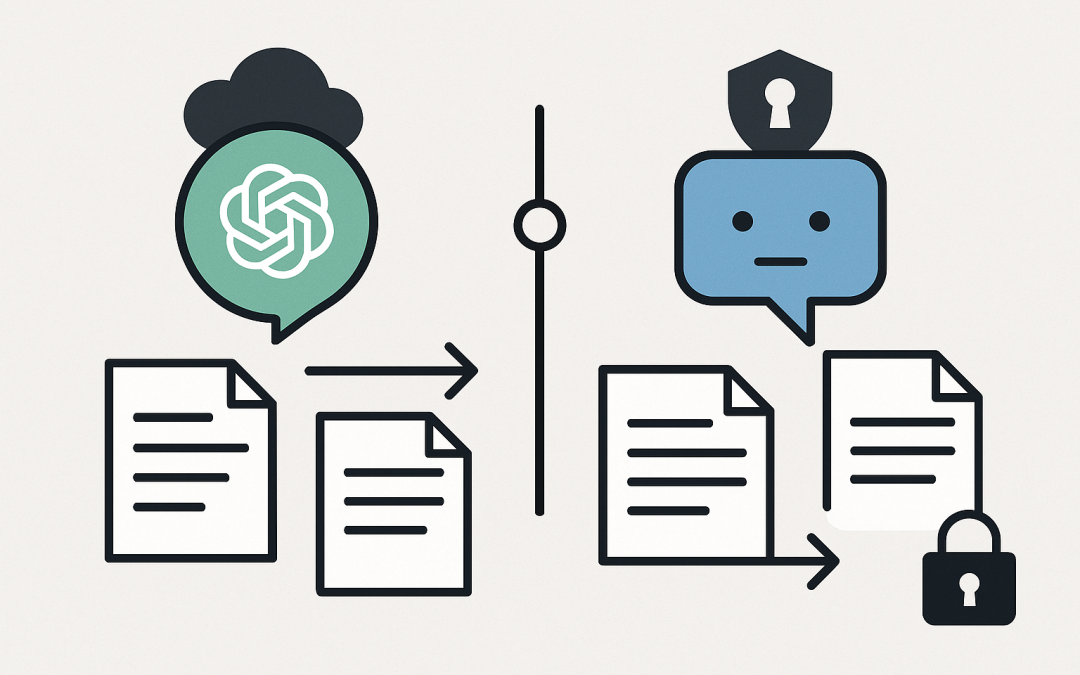
In this blog post ChatGPT vs Claude Which AI Is Right for Your Business in 2026 we will break down what each tool is good at, where the risks usually hide, and how to choose without getting lost in hype.
If you’re weighing up ChatGPT vs Claude Which AI Is Right for Your Business in 2026, you’re probably dealing with a familiar mess: staff are already using AI (often on personal accounts), leadership wants “AI productivity gains”, and IT is left holding the risk if confidential data leaks or compliance gets blurry.
The good news is you don’t need to be an AI researcher to make a smart decision. You just need clarity on what problem you’re solving, what data is involved, and how you’ll control access.
High-level first What are ChatGPT and Claude really
ChatGPT (OpenAI) and Claude (Anthropic) are both large language models. In plain English: they’re advanced prediction engines that generate text (and often images/code) based on patterns learned from huge amounts of training data.
They don’t “think” like a human. They take your prompt, break it into small chunks (called tokens), and predict the next most likely token repeatedly until they produce an answer. That’s why prompt quality and guardrails matter so much in business use.
The technology behind it explained without the PhD
Under the hood, both tools are built on the Transformer architecture (the same core idea behind most modern generative AI). Here’s the practical takeaway for business leaders and tech leads:
- They are probabilistic: two people can ask the same question and get slightly different answers.
- They are context-driven: the model is heavily influenced by what you paste in (emails, policies, contracts, logs).
- They can hallucinate: they may produce something that sounds confident but is wrong, incomplete, or out of date.
- They can be connected to your data: via integrations and APIs, you can point them at internal documents and systems. Done well, this is where the ROI is.
This is why CloudProInc treats AI rollouts like any other business system: identity, access, logging, data handling, and change management come first. The model is just one piece.
The decision most businesses get wrong
Most companies choose based on whichever chatbot “sounds smarter” in a demo.
That’s rarely the right way. The better approach is to decide based on:
- How you’ll protect company data
- How you’ll control who can use it (and for what)
- How you’ll measure value (time saved, tickets avoided, faster delivery)
- How it fits with your Microsoft environment (Microsoft 365, Azure, security tooling)
ChatGPT strengths where it tends to win in real businesses
1 Great general-purpose assistant across roles
ChatGPT is often the easiest “one tool for many teams” choice: drafting client emails, summarising meetings, creating marketing outlines, writing policies in plain English, and helping with Excel or PowerPoint narratives.
Business outcome: faster work output and fewer bottlenecks when staff are waiting on subject-matter experts.
2 Strong ecosystem and deployment options
In many organisations, the real win is not the chat window. It’s how easily you can standardise usage through a business plan, manage users, and connect AI to internal workflows via APIs.
Business outcome: more consistent quality and less “shadow AI” (staff using random tools with unknown privacy settings).
3 Enterprise privacy controls are clearer than most people expect
One common fear is “if staff paste data into ChatGPT, does it train the model?” For business-grade deployments, the default stance is typically that business data is not used to train the public model, with stronger controls available on enterprise tiers.
Business outcome: reduced risk compared to uncontrolled personal accounts, especially when paired with Microsoft identity and security controls.
Claude strengths where it tends to win in real businesses
1 Excellent for long documents and structured thinking
Claude has built a strong reputation for working well with long inputs: contracts, policies, incident reports, audit evidence, and multi-step reasoning tasks. For teams doing compliance, procurement, legal review, or technical documentation, this matters.
Business outcome: less time spent reading and re-reading long documents, faster review cycles, and better internal summaries.
2 Strong focus on safety and controlled enterprise use
Anthropic has been very deliberate about safety, and Claude’s enterprise packaging includes the kinds of controls IT teams ask for: single sign-on options, user provisioning approaches, and administration features that help you keep governance tight.
Business outcome: clearer governance and fewer “we didn’t know who accessed what” moments.
3 Good fit when your main risk is internal misuse
In the mid-market (50–500 staff), the biggest AI risk is usually not Hollywood-style hackers. It’s a well-meaning employee pasting sensitive client details into the wrong place, or using AI to generate something that breaches policy.
Business outcome: fewer policy breaches and better alignment with internal controls (especially if you’re working toward Essential 8).
A practical way to choose the right tool
Here’s the shortlist we use with clients when we’re deciding what to standardise on.
Choose ChatGPT when
- You want a broadly capable assistant for many departments with minimal friction.
- You need strong general writing, summarisation, and “get started fast” value.
- Your priority is user adoption and speed to value, and you’ll govern it with policy plus identity controls.
Choose Claude when
- Your core use cases involve long documents, compliance material, or deep internal knowledge packs.
- You want a tool that many teams find naturally “more careful” for sensitive content and structured outputs.
- You’re planning a tighter governance posture from day one (roles, admin controls, and auditability).
Choose both when
- You have different risk profiles across teams (e.g., marketing vs finance vs engineering).
- You’re building AI into products or workflows via API and want vendor flexibility.
- You want a fallback option for outages, policy changes, or model behaviour changes.
Real-world scenario what we see in 50–500 person companies
A Melbourne-based professional services firm (around 200 staff) came to us after discovering three separate AI tools were being used across the business, all on personal accounts. No one had agreed on what data could be pasted in, and there was no record of who used what.
The pain wasn’t “AI is risky” in theory. The pain was very real: client confidentiality concerns, leadership anxiety, and IT unable to give a straight answer during a security review.
We helped them do three things in two weeks:
- Defined an AI acceptable use policy in plain English (what’s OK, what’s not, and examples).
- Rolled out a managed AI workspace using business-grade accounts and single sign-on.
- Created a short list of approved prompts for common tasks (proposal drafts, policy summaries, meeting notes, client email templates).
The result: staff still got the productivity lift, leadership got a defensible risk position, and IT stopped playing whack-a-mole.
How this links to Microsoft and Essential 8 in Australia
If you’re an Australian business, the AI conversation should sit inside your broader security and compliance posture.
Essential 8 is the Australian Government’s cybersecurity framework that many organisations are now required to follow (or are being asked to align to by customers and insurers). AI tools won’t “make you compliant”, but they can absolutely create new gaps if you don’t manage them.
In practice, we map AI usage to controls like:
- Identity and access: enforce single sign-on and multi-factor authentication so access is tied to employment.
- Data handling: classify what staff can paste into prompts (public, internal, confidential).
- Device management: use Microsoft Intune (which manages and secures all your company devices) to reduce data leakage from unmanaged endpoints.
- Threat protection: use Microsoft Defender (which detects and blocks suspicious activity across devices, email, and cloud services) to reduce the chance that credentials and data are compromised.
CloudProInc is a Microsoft Partner and Wiz Security Integrator, so we typically design AI adoption to fit cleanly into Azure, Microsoft 365, and your security stack, rather than bolting it on as yet another unsupervised tool.
Quick technical section API choice for developers and tech leaders
If you’re a tech leader or developer, the “right” answer often comes down to how you’ll integrate AI into your apps and workflows. Many teams run a simple abstraction layer so they can switch models without rewriting the whole product.
// Pseudocode: a simple model router (vendor-agnostic)
function generateAnswer(taskType, prompt, sensitivity) {
 if (sensitivity === "high") {
 // route to the provider/account with your strictest data controls
 return callSecureModel(prompt);
 }

 if (taskType === "long_document_summary") {
 return callClaude(prompt);
 }

 if (taskType === "general_assistant" || taskType === "drafting") {
 return callChatGPT(prompt);
 }

 // fallback
 return callDefaultModel(prompt);
}
The key is not the code. It’s the governance around it: logging, prompt hygiene, data minimisation (only send what’s needed), and clear product rules for what the AI is allowed to do.
Bottom line which one should you pick
If your business wants fast adoption and broad day-to-day usefulness, ChatGPT is often the simplest “standard tool” choice.
If your business is document-heavy, compliance-heavy, or you want a more controlled posture from day one, Claude is often a strong fit.
And if you’re serious about AI delivering real ROI, the winning move is usually to pick one as the default, then allow the other for specific teams or workflows with clear rules.
Soft next step
If you’re not sure whether your current AI usage is saving time or quietly increasing risk, CloudProInc can help you do a quick, practical review. We’ll map your use cases, data sensitivity, and Microsoft environment, then recommend a rollout plan that’s sensible for a 50–500 person business—no strings attached.