
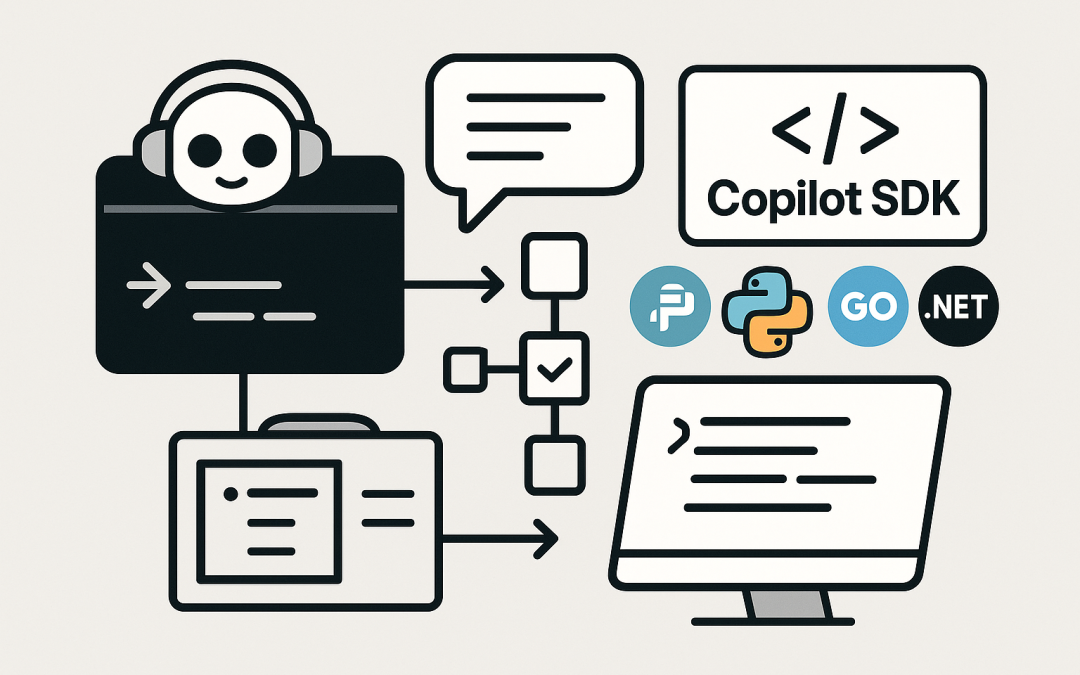
In this blog post Practical Use Cases for the GitHub Copilot SDK in Your DevOps Toolchain we will explore where the Copilot SDK fits, what it enables, and how IT teams can apply it to real delivery work without turning their stack upside down.
At a high level, the GitHub Copilot SDK lets you programmatically drive the same “Copilot in the terminal” experience that developers already use, but from your own applications and automation. Instead of keeping Copilot help inside an IDE, you can embed it into internal tools, platform workflows, and DevOps pipelines, while still keeping humans in control of actions and approvals.
This matters because many engineering teams aren’t short on code suggestions—they’re short on flow. The Copilot SDK (currently in technical preview, released January 14, 2026) is aimed at turning repetitive engineering work into guided, tool-using conversations that can plan, call utilities, and keep context over multiple turns. It’s offered across multiple languages (Node.js/TypeScript, Python, Go, and .NET) and includes support for multi-turn sessions and tool execution. (Technical preview details and SDK list are from GitHub’s changelog.)
What is the GitHub Copilot SDK
The GitHub Copilot SDK provides language-specific SDKs for programmatic access to the GitHub Copilot CLI. In practice, it means you can:
- Start a session and maintain conversation history (multi-turn conversations).
- Let the model call your custom tools (tool execution) to fetch data or take actions.
- Control the lifecycle of the client and sessions from code (full lifecycle control).
GitHub announced the Copilot SDK as a technical preview on January 14, 2026, with SDKs available for Node/TypeScript (@github/copilot-cli-sdk), Python (copilot), Go (github.com/github/copilot-cli-sdk-go), and .NET (GitHub.Copilot.SDK). (These package names and the preview status come from GitHub’s changelog.)
How the technology works (in plain English)
There are three main “moving parts” behind the Copilot SDK experience:
1) A conversational agent that can keep context
Instead of a one-shot prompt, you maintain a session. That allows the assistant to remember what the user asked earlier, what decisions were made, and what files or tasks are in scope. This is the difference between “generate a snippet” and “help me complete this workflow.”
2) Tool calling (your guardrails and your power)
Tool execution is where the Copilot SDK becomes useful for platform and DevOps teams. You define tools (think: structured functions) like:
search_runbooks(query)get_service_owners(service)create_jira_ticket(summary, details)open_pr(repo, branch, title)
The model can request to use these tools during the conversation. Your application decides what’s allowed, validates inputs, runs the tool, and returns results back into the session.
3) Copilot CLI as the execution surface
The SDK is designed for programmatic access to Copilot CLI, which is a terminal-native Copilot experience that can help write and debug code and interact with GitHub workflows. GitHub documents Copilot CLI as being able to work iteratively, and it includes a “trusted directory” concept to reduce risk when working with local files. This is important: you get an AI assistant, but you still keep a review step between “plan” and “do.”
Where the Copilot SDK fits compared to other Copilot extensibility options
If you’ve followed Copilot extensibility, you may have seen Copilot Extensions. GitHub’s documentation notes that new Copilot Extensions creation was blocked on September 23, 2025 and that existing Copilot Extensions were disabled on November 10, 2025, with guidance to consider building MCP servers where applicable. That shift is one reason the Copilot CLI + SDK route is attractive: it’s aligned with where GitHub is investing in agentic workflows and tool-driven integration.
Also worth noting: in February 2025 GitHub announced the Copilot Language Server SDK becoming publicly available, enabling new editors/IDEs to integrate with Copilot via LSP. That’s a different “SDK” for a different problem (editor integration). This post focuses on the Copilot SDK (technical preview, January 2026) aimed at programmatically using Copilot CLI.
Use cases that are genuinely worth building
Below are practical, high-value use cases for IT professionals, developers, and tech leaders. The theme is consistent: use Copilot for the boring glue work, and keep humans approving anything risky.
1) Internal “DevEx concierge” in Slack or Teams
Create a chat-based assistant that answers questions like:
- “How do I deploy service X to staging?”
- “What’s the ownership and on-call for API Y?”
- “Generate a PR template for this repo.”
Why the SDK helps: your bot can keep a multi-turn conversation, ask clarifying questions, and call tools to query internal docs, service catalogs, and incident systems.
Practical steps:
- Define tools for reading your internal sources (runbooks, Backstage catalog, CMDB, etc.).
- Keep responses short by default, with “show details” follow-ups.
- Log tool calls and outcomes for auditability.
2) Automated PR prep (without auto-merging)
Many teams don’t need a robot that merges. They need a robot that does the setup work:
- Summarise changes and propose a clean PR description
- Generate a risk checklist based on touched areas
- Suggest reviewers based on CODEOWNERS + history
- Draft release notes
Why the SDK helps: your automation can maintain a session that includes repo context and run tool calls like git diff parsing, CODEOWNERS reading, and issue tracker lookups, then produce a structured PR draft.
3) Incident response helper for first 15 minutes
The first minutes of an incident are messy: people ask the same questions, hunt for links, and scramble to form a timeline. A Copilot-SDK-powered helper can:
- Ask the right triage questions (impact, scope, recent changes)
- Pull dashboards and logs links based on the affected service
- Draft an incident Slack update in your standard format
- Create an incident ticket with initial context
Practical steps:
- Expose tools like
get_runbook(service),get_recent_deploys(service),create_incident_ticket(). - Force “human confirmation” before any write action.
- Store the conversation transcript as part of your incident record.
4) Secure, guided “ops scripts” generator
Let developers request safe operational scripts instead of copying random snippets:
- “Generate a script to rotate secrets for service X”
- “Create a one-off migration runner with a dry-run mode”
- “Write a rollback checklist for the last release”
The key is guardrails. Use tools to fetch the canonical way your org does things, and require the agent to output scripts that include:
- Input validation
- Dry-run support
- Explicit confirmation prompts
- Logging
5) Developer onboarding assistant
Onboarding is a perfect multi-turn workflow:
- Set up dev environment
- Request access
- Run first build and tests
- Pick a starter issue and create a branch
Use the SDK to create an interactive “choose your path” onboarding that pulls the right steps per team, language, and platform. Tie it into your identity/access systems via tools, but keep approvals with managers and security teams.
6) CI failure triage and suggested fixes
Instead of a wall of red logs, have an assistant:
- Detect likely failure category (lint, tests, dependency, infra)
- Summarise the root error and the first actionable step
- Suggest a patch (but don’t push it automatically)
Practical steps:
- Create tools to fetch build logs and test reports.
- Restrict file access to the repository workspace the build ran in.
- Return a minimal diff and a rationale, then let a developer apply it.
7) Compliance-friendly codebase Q and A
Many leaders want “ask the codebase” but worry about data sprawl. A Copilot SDK app can narrow the scope:
- Only allow queries on approved repos
- Only allow tools that retrieve specific files/paths
- Redact secrets and sensitive configs before they enter the prompt
This becomes a controlled internal capability rather than a free-for-all.
A simple architecture you can copy
Most successful implementations follow the same pattern:
- UI: Slack/Teams bot, web portal, or CLI wrapper
- App layer: your service that manages sessions and policies
- Tools: small, well-defined functions (read-only by default)
- Copilot SDK client: sends conversation turns and tool results
- Audit + governance: logs prompts, tool calls, approvals, outcomes
Security and governance considerations
Because the SDK drives Copilot CLI programmatically, treat it like you would any privileged automation:
- Use least privilege: scope tokens to only what the tool needs.
- Trusted workspaces: Copilot CLI includes a “trust this folder” workflow; keep that concept in your automation too by limiting file scope to known repos and paths.
- Redact sensitive data: implement scrubbing for secrets, keys, and customer data before text is sent to the model.
- Policy controls: if your org can disable Copilot CLI via policy, design your solution to degrade gracefully and document the dependency.
Final thoughts
The GitHub Copilot SDK is a strong signal that “AI assistance” is moving beyond IDE autocomplete into repeatable, tool-driven workflows. For platform teams, that’s the opportunity: keep the developer experience familiar, wire it into your internal systems safely, and turn repetitive delivery work into guided, auditable automation.
If you want to make your Copilot rollout more than a nice-to-have editor plugin, start with a single Copilot SDK use case that removes friction from your delivery process—and build from there.