
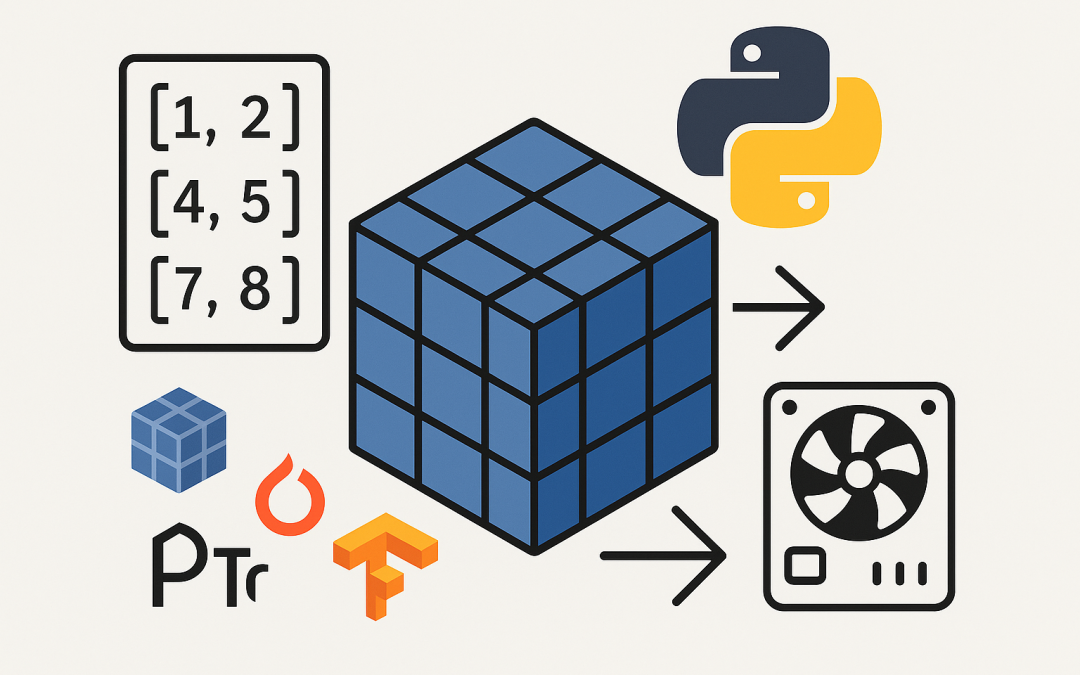
In this blog post Turn a List into a Tensor in Python with NumPy, PyTorch, TensorFlow we will turn everyday Python lists into high-performance tensors you can train models with or crunch data on GPUs.
Converting a list to a tensor sounds simple, and it is. But doing it well—choosing the right dtype, handling ragged data, avoiding costly copies, and putting tensors on the right device—can save you hours and accelerate your pipeline. In this guide, we’ll cover a practical path from basic conversion to production-ready tips. We’ll also explain the technology behind tensors so you know why these steps matter.
What is a tensor and why it matters
A tensor is a multi-dimensional array with a defined shape and data type. Think of it as a generalization of vectors and matrices to any number of dimensions. Tensors power modern numerical computing and machine learning because they:
- Enable vectorized operations that run fast in C/C++ backends.
- Support GPU/TPU acceleration.
- Carry metadata (shape, dtype, device) for efficient execution.
The main technologies you’ll use are:
- NumPy: The foundational CPU array library for Python.
- PyTorch: A deep learning framework with eager execution and Pythonic APIs.
- TensorFlow: A deep learning framework with graph execution and Keras integration; supports
RaggedTensorfor variable-length data.
Under the hood, all three store contiguous blocks of memory (when possible), record shape and dtype, and dispatch optimized kernels for math ops. Getting from a Python list (flexible but slow) to a tensor (structured and fast) is your gateway to scalable compute.
Checklist before you convert
- Is your list regular? Nested lists must have equal lengths along each dimension, or you’ll get object dtypes or errors.
- What dtype do you want? Common defaults:
float32for neural nets,int64for indices/labels. Be explicit. - Where will it live? CPU by default; move to GPU for training/inference if available.
Quick start: from list to tensor
PyTorch
import torch

# Regular 2D list
lst = [[1, 2, 3], [4, 5, 6]]

# Create a tensor (copy) with explicit dtype
x = torch.tensor(lst, dtype=torch.float32)
print(x.shape, x.dtype)  # torch.Size([2, 3]) torch.float32

# Move to GPU if available
device = torch.device("cuda" if torch.cuda.is_available() else "cpu")
x = x.to(device)
Performance tip: for large data, first convert to a NumPy array and then use torch.from_numpy for a zero-copy view (CPU only):
import numpy as np
arr = np.asarray(lst, dtype=np.float32)  # no copy if already an array
x = torch.from_numpy(arr)                # shares memory with arr (CPU)
TensorFlow
import tensorflow as tf

lst = [[1, 2, 3], [4, 5, 6]]
x = tf.convert_to_tensor(lst, dtype=tf.float32)
print(x.shape, x.dtype)  # (2, 3) <dtype: 'float32'>

# Uses GPU automatically if available for ops
NumPy
import numpy as np

lst = [[1, 2, 3], [4, 5, 6]]
arr = np.array(lst, dtype=np.float32)
print(arr.shape, arr.dtype)  # (2, 3) float32
NumPy arrays are often the interchange format. From there, PyTorch or TensorFlow convert efficiently.
Dtypes and precision
- float32: default for deep learning; good balance of speed and accuracy.
- float64: use for scientific computing that needs high precision.
- int64/int32: use for labels, indices, or masks.
- bfloat16/float16: use with mixed precision training on supported hardware.
Be explicit to avoid silent upcasts/downcasts. Example:
# PyTorch
x = torch.tensor(lst, dtype=torch.float32)

# TensorFlow
x = tf.convert_to_tensor(lst, dtype=tf.int64)
Ragged and variable-length lists
If your nested lists have different lengths (e.g., tokenized sentences), a normal dense tensor won’t work without processing.
Pad to a fixed length
- PyTorch:
import torch
from torch.nn.utils.rnn import pad_sequence

seqs = [torch.tensor([1, 2, 3]), torch.tensor([4, 5])]
# Pad to the length of the longest sequence (value=0)
padded = pad_sequence(seqs, batch_first=True, padding_value=0)
# padded shape: [2, 3]
- TensorFlow:
import tensorflow as tf
seqs = [[1, 2, 3], [4, 5]]
padded = tf.keras.preprocessing.sequence.pad_sequences(seqs, padding='post', value=0)
Use ragged tensors (TensorFlow)
rt = tf.ragged.constant([[1, 2, 3], [4, 5]])
print(rt.shape)  # (2, None)
In PyTorch, keep lists of tensors or use PackedSequence for RNNs.
Shape sanity checks
Shape bugs are top offenders. Validate early:
# Expecting batches of 32 samples, each with 10 features
x = torch.tensor(data, dtype=torch.float32)
assert x.ndim == 2 and x.shape[1] == 10

# For images: NCHW in PyTorch, NHWC in TensorFlow
img = torch.tensor(images, dtype=torch.float32)
assert img.ndim == 4 and img.shape[1] in (1, 3)
Performance tips that pay off
- Avoid Python loops. Build a single list of lists, then convert once.
- Prefer asarray + from_numpy.
np.asarrayavoids copies;torch.from_numpyshares memory on CPU. - Batch work. Convert and process in batches to fit memory.
- Pin memory (PyTorch dataloaders). Speeds up host-to-GPU transfer.
- Place tensors early. Create directly on device when feasible, e.g.,
torch.tensor(..., device='cuda').
Common errors and quick fixes
- ValueError: too many dimensions or uneven shapes: Ensure lists are rectangular or pad/ragged.
- Object dtype in NumPy: Caused by irregular lists. Fix by padding or constructing uniform arrays.
- Device mismatch: In PyTorch, move all tensors to the same device:
x.to('cuda'). - Dtype mismatch: Cast explicitly before ops, e.g.,
x.float()ortf.cast(x, tf.float32). - No grad when expected: PyTorch parameters need
requires_grad=True.
Putting it together: a tidy conversion pipeline
# Example: features (list of lists) and labels (list)
import numpy as np
import torch
import tensorflow as tf

features = [[0.1, 0.2, 0.3], [0.0, -0.1, 0.5], [1.2, 0.4, 0.7]]
labels = [1, 0, 1]

# 1) Validate shapes
feat_len = len(features[0])
assert all(len(f) == feat_len for f in features), "Irregular feature lengths"

# 2) Convert to NumPy (efficient base)
X_np = np.asarray(features, dtype=np.float32)
y_np = np.asarray(labels, dtype=np.int64)

# 3a) PyTorch tensors (zero-copy on CPU)
X_t = torch.from_numpy(X_np)
y_t = torch.from_numpy(y_np)

# Optional: move to GPU
if torch.cuda.is_available():
    X_t = X_t.to('cuda')
    y_t = y_t.to('cuda')

# 3b) TensorFlow tensors
X_tf = tf.convert_to_tensor(X_np)  # keeps float32
y_tf = tf.convert_to_tensor(y_np)  # int64
When to choose which path
- PyTorch-first workflows: Convert via NumPy and
torch.from_numpyfor speed; useDataset/DataLoaderwithpin_memory=True. - TensorFlow/Keras pipelines: Stick to
tf.convert_to_tensorandtf.data.Dataset.from_tensor_slices; useRaggedTensorfor variable-length inputs. - CPU analytics: NumPy arrays are perfect; only move to tensors when needed by a framework.
Troubleshooting checklist
- Print
shape,dtype, and (for PyTorch)deviceright after conversion. - Assert invariants: batch size, feature count, channel order.
- Benchmark conversion with large data: prefer fewer, larger conversions.
Key takeaways
- Tensors are structured, typed, and fast; lists are flexible but slow.
- Be explicit about dtype and validate shapes early.
- Use NumPy as an efficient bridge; avoid unnecessary copies.
- Handle ragged data by padding or using ragged-native types.
- Place tensors on the right device for acceleration.
If you’re productionizing data or ML pipelines, getting these basics right reduces latency and bugs. At CloudProinc.com.au, we help teams streamline data flows and model training across clouds and GPUs—reach out if you’d like a hand optimizing your stack.