
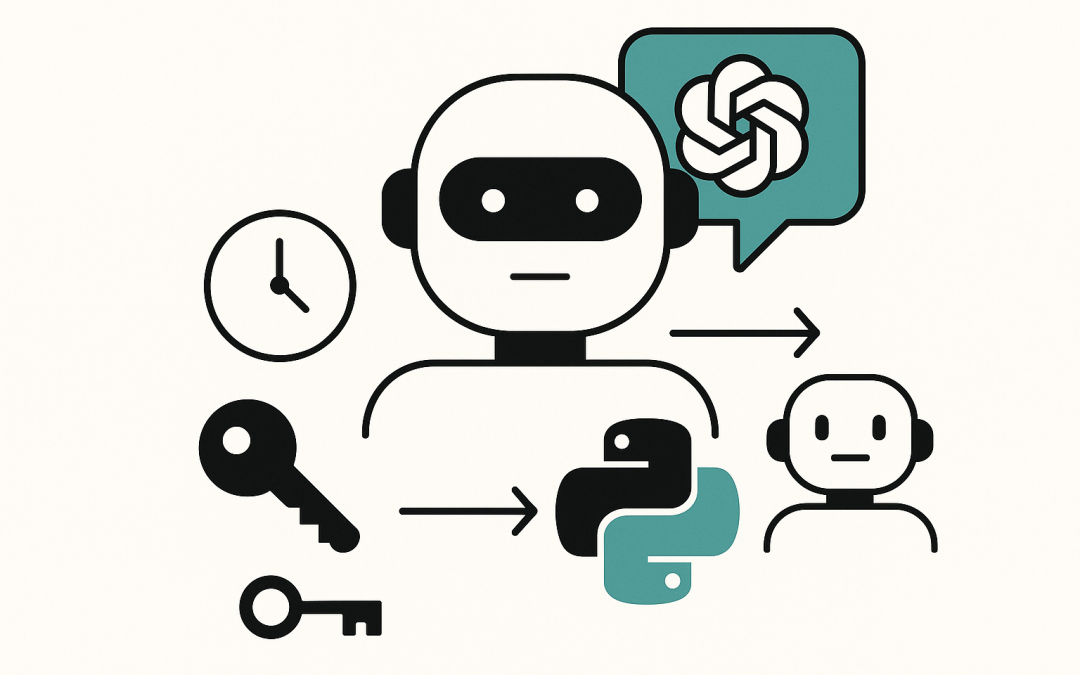
This post “Build a Multi-Agent Assistant in Python with the OpenAI Agents SDK” shows how to build an AI agent that can (a) generate secure passwords, (b) tell the current time, and (c) hand off coding questions to a Python-tutor sub-agent. Along the way, we’ll cover what the Agents SDK is, how to install it, and how the code works.
Agentic apps are everywhere now—but what is an AI agent? In short, an agent is an LLM wrapped with goals (“instructions”) and the ability to take actions (“tools”), loop on its own, and—when it hits the edge of its expertise—delegate to a specialist. The OpenAI Agents SDK gives you just enough primitives to build those systems without a framework learning curve: agents, tools, sessions, guardrails, and handoffs for delegation.
Table of contents
What is the OpenAI Agents SDK?
The Agents SDK is a lightweight, Python-first framework for building multi-agent workflows. It ships with a built-in agent loop (so the model can call tools, get results, and continue), Pydantic-validated function tools (any Python function can be a tool), sessions for conversation history, tracing for debugging/evals, and handoffs so one agent can delegate to another. It’s designed to be ergonomic while staying close to plain Python.
Install & prerequisites
You’ll need a recent Python (3.9+ is fine), pip, and an OpenAI API key.
- Install the SDK (per the docs):
pip install openai-agents- Optionally install helpers used by the example:
pip install python-dotenv- Set your API key (shell or
.env):
export OPENAI_API_KEY=sk-...
# or .env:
# OPENAI_API_KEY=sk-...
The official documentation’s Installation section shows the current package name and the quickstart snippet. Always prefer what PyPI/docs list for the latest command.
Tip: The SDK docs include a “Hello world” that mirrors the same
Agent+Runnershape you’ll see in your script.
The building blocks in your code
Let’s walk through the important parts of your script and relate them to the SDK’s primitives.
1) Environment loading
You load environment variables early with python-dotenv if present, and fall back to a tiny parser that reads KEY=VALUE lines from .env. That ensures OPENAI_API_KEY is available by the time the SDK initializes—matching the docs’ guidance to export the key before running agents.
2) Tools (function calling)
You define two tools with the @function_tool decorator:
generate_password(...): usessecretsandstringto build a cryptographically strong password, ensuring category coverage (digits/symbols/upper/lower) and shuffling viaSystemRandom.get_time(): returns the current timestamp in ISO 8601.
The Function Tools concept is a first-class part of the SDK—your plain Python functions become invokable tools with auto-generated JSON schemas and Pydantic validation. The LLM chooses when to call them during the agent loop.
3) A specialist sub-agent
python_tutor_agent = Agent(
    name="Python Tutor",
    handoff_description="Specialist agent for Python coding questions",
    instructions="You provide assistance with Python code queries..."
)
This is a focused agent whose entire purpose is explaining Python code. It doesn’t define its own tools; it’s a domain expert you can delegate to.
4) The primary triage agent
triage_agent = Agent(
    name="My Agent",
    instructions=("You are a helpful agent. You can generate passwords, provide the current time, "
                  "and hand off to a Python tutor agent for code-related queries."),
    tools=[generate_password, get_time],
    handoffs=[python_tutor_agent],
)
This agent can call your two tools and, crucially, handoff to the Python Tutor. In the Agents SDK, handoffs are modeled so that one agent can delegate to another when the LLM decides a specialist is better suited—an essential pattern for multi-agent apps.
5) Running the agent
result = await Runner.run(triage_agent, input="generate a password, explain what is a class and tell me the current time")
print(result.final_output)
Runner.run(...) executes the agent loop: the LLM reads the prompt, decides which tool(s) to call (e.g., generate_password, get_time), and when it hits “explain what is a class,” it can handoff to the Python Tutor agent to generate a clear explanation. The SDK’s Runner is the orchestrator for these steps, and result.final_output yields the composed answer after the loop finishes.
Output
Below is the output after running the agent.

Why this pattern works
- Separation of concerns: The triage agent is a generalist; the tutor is a specialist. This mirrors production setups (support, sales, operations) where domain agents own their slices.
- Deterministic actions: Security-sensitive work (like password generation) stays in trusted Python code, not in the model’s text output. That’s exactly what tools are for.
- Extensibility: You can add more tools (e.g., “create Jira issue”) or more specialists (e.g., “Billing Agent”). The same handoff mechanism scales across domains.
Optional enhancements
- Guardrails: Validate inputs/outputs (e.g., enforce a minimum password length) and short-circuit bad requests before they reach the LLM.
- Sessions & memory: Keep conversation context across turns so the agent remembers prior choices.
- Tracing: Turn on tracing to visualize each tool call and handoff while you test. It’s built in.
Putting it all together
This tiny program demonstrates the whole agentic arc: a prompt comes in, the agent autonomously chooses tools, delegates a slice to a sub-agent via handoff, and returns a neat, unified answer. Thanks to the Agents SDK’s minimal primitives—and Python functions as tools—you can evolve this into a real application without swapping frameworks or rewriting your mental model. If you want to go deeper, the docs include sections for Agents, Tools, and Handoffs with more patterns and examples.