
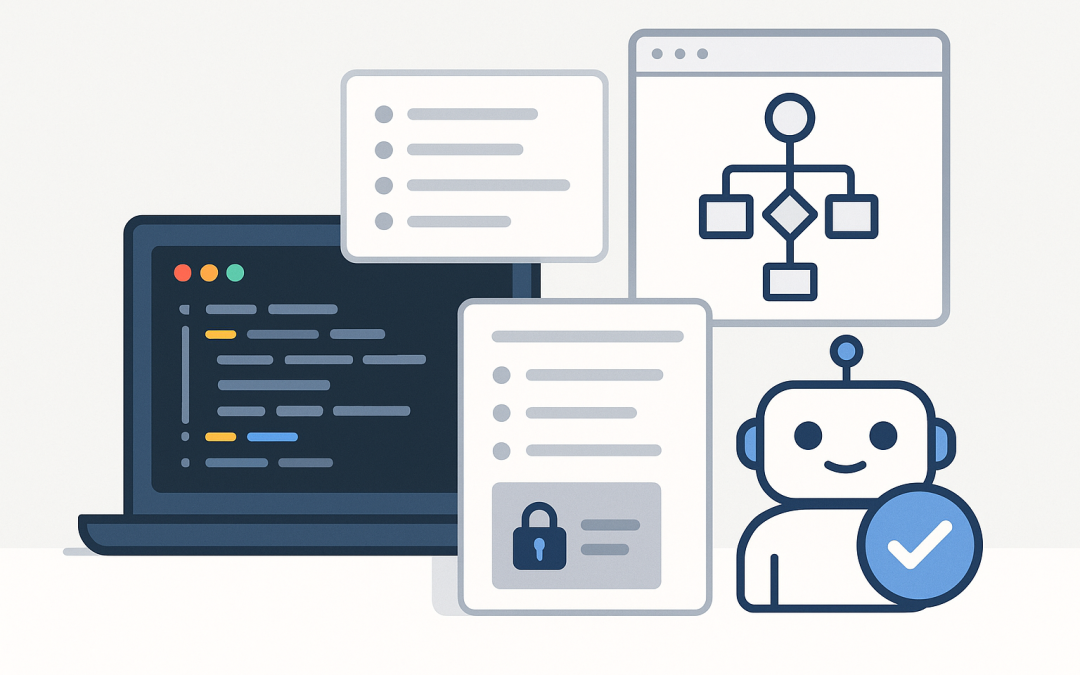
In this blog post OpenAI Codex App for Faster Secure Code and Practical Automation we will explore how the Codex app helps teams ship faster while keeping security and control firmly in the developer’s hands. If you lead delivery, build software, or run platforms, this guide will show practical ways to use the OpenAI Codex app for secure coding and automation—without turning your workflow into an AI science project.
High-level overview: what the Codex app is (and why it matters)
The Codex app is a desktop “command centre” for coding agents. Instead of using AI only for snippets and suggestions, you can delegate real engineering tasks (bug fixes, refactors, tests, migrations) to an agent and supervise the outcome. The big difference is that Codex is designed to run work in isolated environments, produce reviewable diffs, and operate across multiple tasks in parallel. (openai.com)
For most IT teams, the value is simple: you keep your existing SDLC (branches, pull requests, code review, CI) and use Codex to reduce the “busy work” time sink—without giving a model unrestricted access to your machine or repositories by default. (openai.com)
The technology behind the Codex app (in plain English)
Under the hood, Codex is powered by OpenAI’s coding-optimised models (for example, Codex was introduced as being powered by codex-1, a model tuned for software engineering workflows). It’s trained and refined to follow instructions closely, work like an engineer across multiple steps, and iterate by running tests and adjusting based on results. (openai.com)
Two technical ideas make the Codex app especially useful for real teams:
- Agentic workflows: you give a task, constraints, and context, then the agent plans steps, edits files, runs commands, and reports results. You’re not just prompting for code—you’re supervising a process.
- Sandboxing and permissioning: Codex tasks are executed with guardrails. By default, agents are constrained to the project they’re working in and must ask permission for elevated actions like network access (configurable by team rules). (openai.com)
Think of it as “junior engineer speed” with “senior engineer oversight”: fast iteration, but you still decide what merges, what runs in production, and what secrets stay private.
What’s new and current (as of February 2026)
OpenAI introduced the Codex app for macOS on February 2, 2026, positioning it as a multi-agent desktop experience with parallel threads, worktrees, skills, automations, and Git-centric workflows. (openai.com)
OpenAI’s documentation states the Codex app is currently available on macOS (Apple Silicon), with sign-in options via ChatGPT account or API key (with some features limited when using only an API key). (developers.openai.com)
Where the Codex app fits in a secure engineering workflow
Most security problems with AI coding tools are not “the model wrote a bug.” They’re process problems:
- Unreviewed changes slipping into main
- Agents running risky commands
- Secrets exposed through logs, prompts, or permissive file access
- Network access used to pull untrusted code
Codex is designed to reduce these risks by making review and permissions first-class features. The app’s security posture is “secure by default, configurable by design,” using system-level sandboxing similar to the Codex CLI. (openai.com)
Getting started: a practical setup checklist
1) Install and sign in
- Install the Codex app on macOS (Apple Silicon).
- Sign in with your ChatGPT account (or an API key if needed).
- Select a project folder (start with a non-critical repo to learn your team’s preferred patterns).
OpenAI notes that some capabilities (such as certain cloud features) may not be available when signing in with only an API key. (developers.openai.com)
2) Decide your “safe defaults” before you scale usage
- Branch strategy: require agents to work on feature branches or worktrees (never directly on main).
- Review gates: define what must be reviewed by a human (security-sensitive modules, auth, payment flows, infra-as-code).
- Command allowlist: pre-approve safe commands (formatters, linters, unit tests) and require approval for anything else.
- Network policy: keep outbound network off by default; allow only when a task genuinely needs it.
This is where you win trust with security teams: Codex can be fast, but it should also be boringly auditable.
Using multi-agent workflows to speed up delivery
The Codex app is built for parallel work: multiple agents can operate in separate threads (often aligned to projects), and built-in worktree support helps avoid conflicts when exploring different approaches. (openai.com)
Here are three high-ROI patterns CloudPro customers tend to benefit from quickly:
Pattern A: Parallelise “small but annoying” engineering tasks
- Dependency bumps + changelog review
- Refactoring repetitive code across modules
- Converting configs (YAML/JSON), renaming, or moving files safely
- Adding missing unit tests for legacy code
Run each as a separate agent thread. Your job becomes prioritisation and review, not typing.
Pattern B: Ask for a plan + acceptance criteria first
Before you let an agent touch code, request a short plan and acceptance criteria. This reduces rework and keeps outcomes aligned to your standards.
Task: Add request validation to the /api/orders endpoint.
Constraints:
- No breaking changes to the public API.
- Add unit tests for all validation branches.
- Follow our existing error format.
First: propose a plan and acceptance criteria. Don’t change code yet.
Once the plan looks right, tell the agent to execute. This simple “two-step” is one of the best ways to keep AI output predictable.
Pattern C: Use worktrees to explore solutions safely
If you’re not sure whether to refactor or patch, run two agents in parallel—each in its own isolated workspace—and compare diffs. The app’s worktree support is designed for exactly this. (openai.com)
Secure automation with Skills and Automations
Codex can go beyond generating code by using Skills and Automations. Skills bundle instructions and scripts so Codex can reliably execute repeatable workflows aligned to your team’s standards. Automations can run routine tasks in the background (for example, triage, monitoring, CI/CD-related tasks) so engineers stay focused. (openai.com)
For IT leaders, this is where Codex becomes more than a developer toy. You can standardise “how we do things here” into reusable building blocks.
Example Skill ideas (practical and low-risk)
- PR hygiene skill: ensure PR description includes impact, rollback plan, and test evidence.
- Test-first skill: for certain repos, require tests to be added/updated before feature code is finalised.
- Secure defaults skill: check for common pitfalls (hardcoded secrets, overly permissive IAM, missing input validation).
Concrete steps for safer Codex usage in enterprise environments
1) Treat Codex output like any other contributor
- Mandatory code review
- CI required (unit + integration where relevant)
- Static analysis / SAST gates for sensitive repositories
Codex can accelerate the work, but it doesn’t replace your controls.
2) Keep secrets out of prompts and repos
- Use secret managers and environment injection
- Block committing
.envfiles - Scan commits for credentials automatically
3) Be intentional about network access
OpenAI’s Codex stack emphasises sandboxing and permission prompts for elevated actions like network access. Use that design: keep network off unless the task truly requires it, and log when it’s enabled. (openai.com)
A simple workflow you can adopt this week
- Create a “Codex-ready” repo checklist (tests runnable locally, formatting standard, clear contribution rules).
- Pick one automation target: e.g., “add missing tests for module X” or “refactor duplicated validation logic.”
- Run Codex in a constrained project folder, on a feature branch/worktree.
- Review diffs like you would a human PR: correctness, security, maintainability, performance.
- Merge only after CI passes and you’re comfortable owning the change.
Final thoughts
The best way to think about the OpenAI Codex app is not “AI that writes code.” It’s “a supervised engineering agent” that can take on meaningful chunks of work, run in secure sandboxes, and operate in parallel—while you stay accountable for what ships. With the right guardrails (branching, reviews, permissions, and sensible automation), Codex can materially reduce cycle time and improve consistency across teams. (openai.com)
If you’d like, we can turn these patterns into a team rollout plan (pilot repos, security rules, and measurable KPIs) tailored to your SDLC and governance model.