
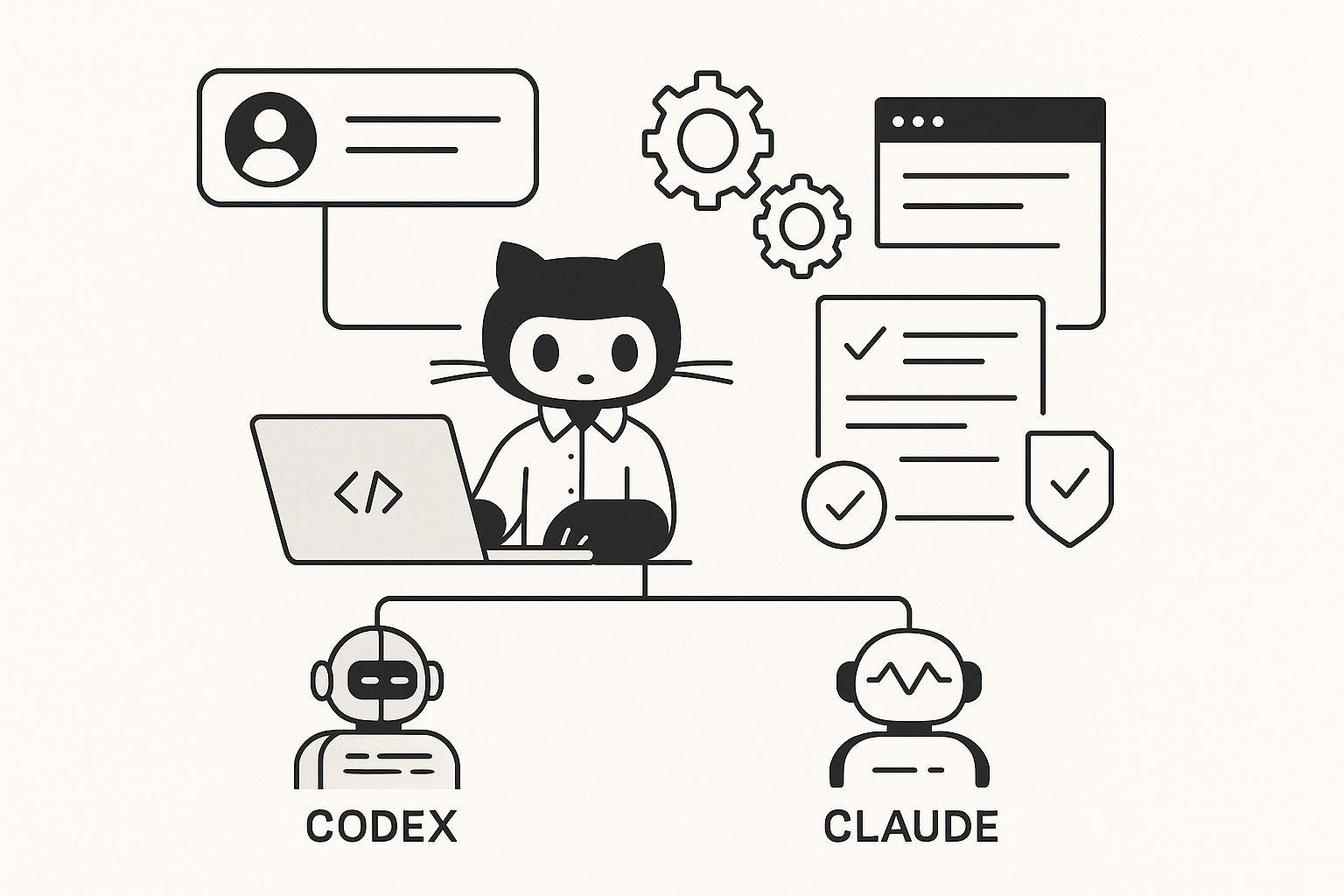
In this blog post GitHub Agents Make Copilot a Real Dev Team Asset with Codex and Claude we will unpack what GitHub Agents are, why they matter, and how to use them safely so your team ships faster without creating new security or quality risks.
If you’ve tried Copilot and felt underwhelmed, you’re not alone. In a lot of 50–500 person businesses, Copilot starts strong (helpful suggestions), then stalls (it can’t reliably handle whole tasks). The result is a familiar frustration: developers still carry the mental load, leads still get dragged into “small” fixes, and tickets still pile up.
GitHub Agents Make Copilot a Real Dev Team Asset with Codex and Claude is really about one shift. Instead of asking Copilot to “help me type,” you assign an agent a piece of work and have it come back with a plan, code changes, and a pull request you can review.
A high-level explanation of GitHub Agents
Think of GitHub Agents as “extra hands” inside your software workflow. You give an agent a task (like fixing a bug, updating dependencies, or refactoring a feature), and it works through the steps a junior developer would take.
That usually includes reading the code, searching for where changes should happen, editing multiple files, and running tests. The big difference is that the agent can do this quickly, consistently, and without getting distracted.
Where Codex and Claude Code fit in (in plain English)
GitHub Agents is the workflow layer. Codex (from OpenAI) and Claude / Claude Code (from Anthropic) are the “brains” you can choose to do the work.
If you’re a tech leader, here’s the simple takeaway: you can pick the best agent for the job, like picking the best person for a task. One might be better at careful, test-driven fixes. Another might be better at reasoning through a messy legacy codebase and explaining what it’s doing.
Why this matters to tech leaders, not just developers
Most leaders don’t care about the novelty of AI coding. You care about throughput, reliability, security, and cost. GitHub Agents becomes interesting when it changes these business outcomes.
1) Fewer bottlenecks around “small” work
In many teams, the real delivery killer isn’t big projects. It’s the constant drip of small tasks: updating libraries, tweaking configs, fixing flaky tests, adjusting API fields, cleaning up linting errors after a build rule changes.
Agents are well suited to this kind of work because it’s usually clear, scoped, and verifiable. That means less context-switching for senior engineers and fewer interruptions for your leads.
2) Better pull requests, not just faster code
Autocompletion saves keystrokes. Agents can save review time by producing a coherent change set with a clear explanation of what changed and why.
When this is done well, you get fewer “mystery commits” and fewer PRs that require a back-and-forth just to understand the intent.
3) A more predictable pathway to “AI in engineering”
Many organisations experiment with AI in an ad-hoc way: a few developers use it, everyone else ignores it, and nothing becomes standard practice.
GitHub Agents gives you a more governable model: agreed use cases, defined guardrails, and a review-based workflow that looks like normal software delivery.
4) Reduced risk when paired with good security controls
AI doesn’t remove risk. It changes where the risk sits.
With agents, the core control becomes your existing engineering discipline: code review, automated tests, branch protection, and security scanning. Done properly, this is safer than “copy/paste from a chatbot” because the work lands in a reviewable PR with a traceable history.
The main technology behind GitHub Agents (explained without the hype)
Under the hood, an agentic coding workflow is built on a few practical capabilities:
- Codebase awareness: The agent can read and navigate your repository, not just a single file you pasted in.
- Multi-step execution: It can break a task into steps (find relevant files, update code, update tests, run checks).
- Tool use: It can run common developer tools like tests, linters (code style checkers), and build commands.
- Asynchronous work: It can work “in the background” and return with a proposed change set for review.
- Safety boundaries: Good setups restrict what the agent can access and require human approval before merging.
This is why leaders are calling it “agentic” rather than “chat.” It’s closer to delegating work than asking questions.
What most companies get wrong at the start
They start with the hardest tasks
If your first agent task is “refactor the entire platform” or “migrate to a new architecture,” you’ll likely get noise, not value.
Start with work that is:
- Scoped (one ticket, one area of code)
- Testable (you can run checks to prove it works)
- Reversible (easy to roll back)
- Repeatable (so you can turn it into a standard workflow)
They don’t define “done”
Agents do better when you specify acceptance criteria in plain English. The more “testable” your definition of done, the better the output.
They skip guardrails and hope code review will catch everything
Review helps, but you also want automated controls: tests, dependency scanning, secret scanning (to detect passwords/API keys), and clear rules about what repos and environments agents can touch.
This is where CloudProInc often sees the biggest gap: organisations want the speed, but don’t modernise the controls that make that speed safe.
A realistic scenario (anonymised) from the mid-market
Imagine a Melbourne-based SaaS company with ~120 staff and a small engineering team. They were losing days each month to “maintenance debt”:
- Minor framework updates that kept getting deferred
- Security patches that were urgent but tedious
- Recurring bug fixes that required touching several files and adding tests
Their senior developers were constantly interrupted, and the backlog kept growing. The business impact wasn’t theoretical: customer-facing features slipped, and operational risk increased because patching lagged.
In a GitHub Agents model, the team started delegating well-scoped tickets to an agent: “Update dependency X to version Y, fix breaking changes, update tests, and open a PR with a short summary.”
The output still needed review, but the team’s throughput improved because humans moved from “doing the tedious steps” to “reviewing and steering.” That’s where you get compounding gains.
Practical ways to use GitHub Agents this quarter
1) Turn issues into PRs for well-scoped changes
Best for: dependency upgrades, small bug fixes, straightforward refactors, documentation updates that must match code.
What to ask for (example):
Task: Fix the bug described in this issue.
Constraints:
- Add/adjust tests to reproduce and prevent regression
- Keep the change minimal (no unrelated refactors)
- Run the test suite and include results in the PR summary
Deliverable:
- Open a PR with a clear description of what changed and why
2) Use agents to accelerate code review preparation
Best for: reducing review time and improving PR clarity.
Example prompt:
Review this PR and produce:
- A plain-English summary for non-experts
- A list of risky areas to double-check
- Suggested test scenarios (happy path + edge cases)
3) Standardise “maintenance sprints”
Best for: teams that keep postponing patching and upgrades.
Once a month, batch the boring tasks and let agents do first-pass implementation. Humans approve, test, and merge.
This is one of the easiest ways to reduce security exposure without burning out your best people.
Security and compliance considerations (Australian context)
If you’re operating in Australia, you’re likely feeling pressure from customers, insurers, or boards to align with the Essential 8, the Australian Government’s cybersecurity framework that many organisations are now required to follow (and many more are expected to align with).
GitHub Agents doesn’t replace Essential 8 controls, but it can fit neatly if you set it up properly:
- Application control: ensure build runners and developer environments only run approved tooling.
- Patch applications: agents can help you patch faster, but approvals and testing still matter.
- Restrict admin privileges: don’t let agent workflows run with excessive permissions “just because it’s easier.”
- Multi-factor authentication: enforce MFA on source control and CI/CD tools so agent access isn’t a weak point.
From a cyber perspective, your biggest practical risks are usually: over-permissioned tokens, agents with access to sensitive repos they don’t need, and changes being merged without strong review gates.
CloudProInc is a Microsoft Partner and Wiz Security Integrator, and this is where we tend to focus: speed with guardrails, not speed at any cost.
How CloudProInc recommends you roll this out (without chaos)
- Pick 3 repeatable use cases: dependency bumps, small bug fixes, PR summaries.
- Define acceptance criteria: tests updated, commands run, PR includes a human-readable summary.
- Lock down access: least-privilege permissions and clear repo boundaries.
- Keep humans in charge: branch protection, mandatory reviews, required checks.
- Measure outcomes: cycle time, lead time, number of overdue patches, review time.
The goal isn’t “AI everywhere.” The goal is fewer delays, fewer security gaps, and more time spent on work that actually moves the business forward.
Wrap-up
GitHub Agents turns Copilot from a clever autocomplete tool into a practical delivery capability. With Codex and Claude Code available as agent options, teams can delegate real chunks of work, get reviewable PRs back, and reduce the drag of maintenance and small fixes.
If you’re not sure whether your current setup is getting the benefits (or quietly increasing risk), CloudProInc can help you assess where agents fit, how to secure them, and how to turn early experiments into a repeatable engineering workflow. If you want, we’re happy to take a look at your current GitHub, Microsoft, and security posture and map a safe rollout plan—no strings attached.
Discover more from CPI Consulting
Subscribe to get the latest posts sent to your email.